
 English EN
 French FR
 German DE
 Portuguese PT
 Spanish ES
 Russian RU
 Japanese JA
 Korean KO
 Arabic AR
 Greek EL
 Turkish TR
 Italian IT
 Polish PL
 Hindi HI
 中国 CN
中国 CN
.webp)
What Are the Differences Between Various DTF Printers and Films?
Master DTF printer and film compatibility. Explore...
More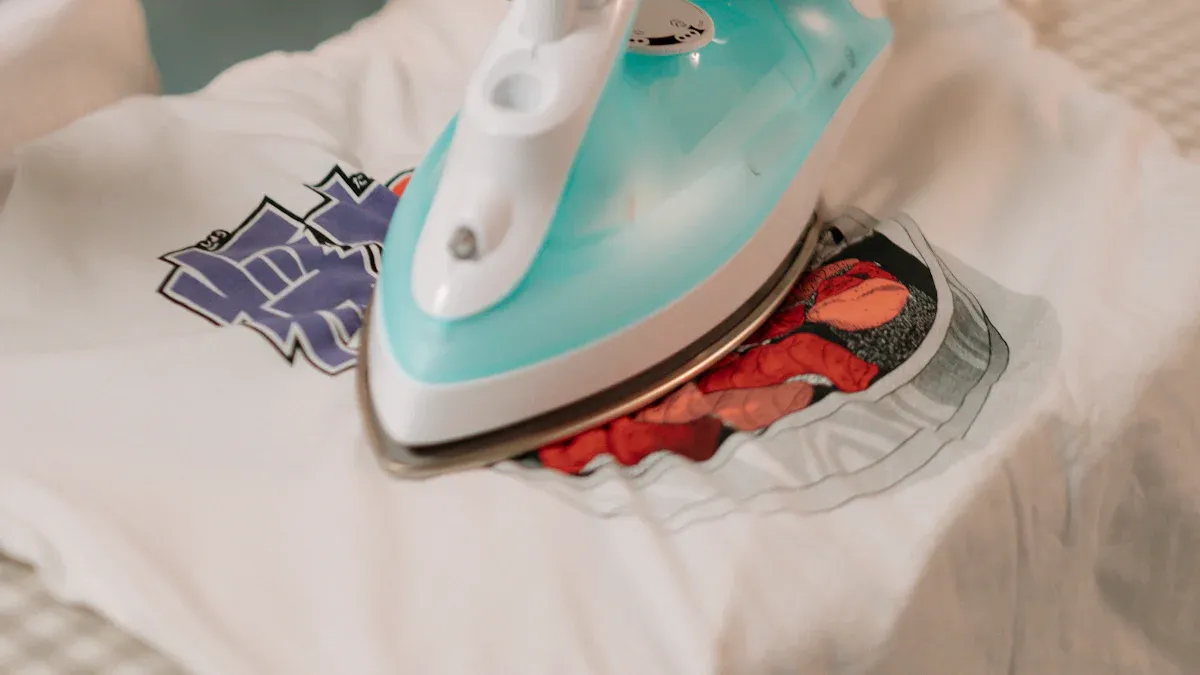
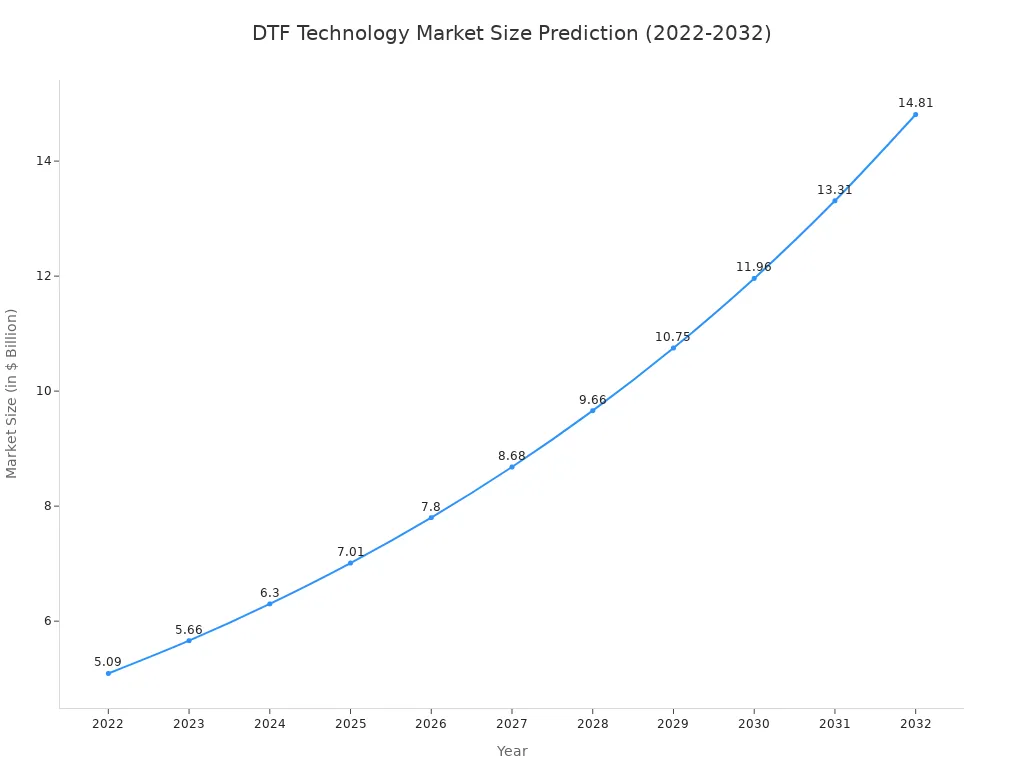
A Direct to Film (DTF) printer is a specialized inkjet system that prints designs onto a special PET film. The technology's market is expanding rapidly, reflecting its growing importance.
| Metric | Value |
|---|---|
| Estimated Market Size (2024) | USD 2,720.0 million |
| Projected Market Size (2030) | USD 3,920.0 million |
| CAGR (2025-2030) | 6.0% |
This method creates versatile transfers for many fabrics. Over 65% of commercial printers plan to integrate dtf direct to film printer capabilities, signaling a major industry shift.
DTF printers print designs onto special film. This film then transfers to many types of fabric. This makes DTF printing very flexible.
The DTF process has four main steps. These steps are printing, powdering, curing, and heat pressing. Each step helps make a strong, colorful design.
DTF printing is better than other methods for many reasons. It works on more fabrics. It also lasts longer and costs less for small orders.
The Direct to Film process transforms a digital design into a durable, wearable graphic. This multi-step method requires precision at each stage to achieve a high-quality final product. Understanding the workflow and the necessary equipment is fundamental for any business considering this technology.
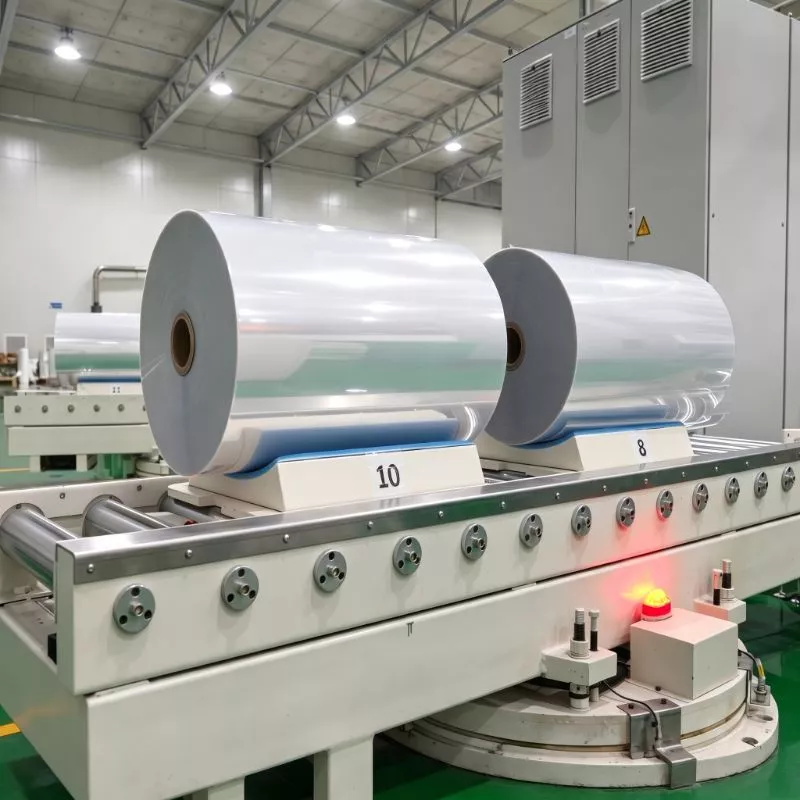
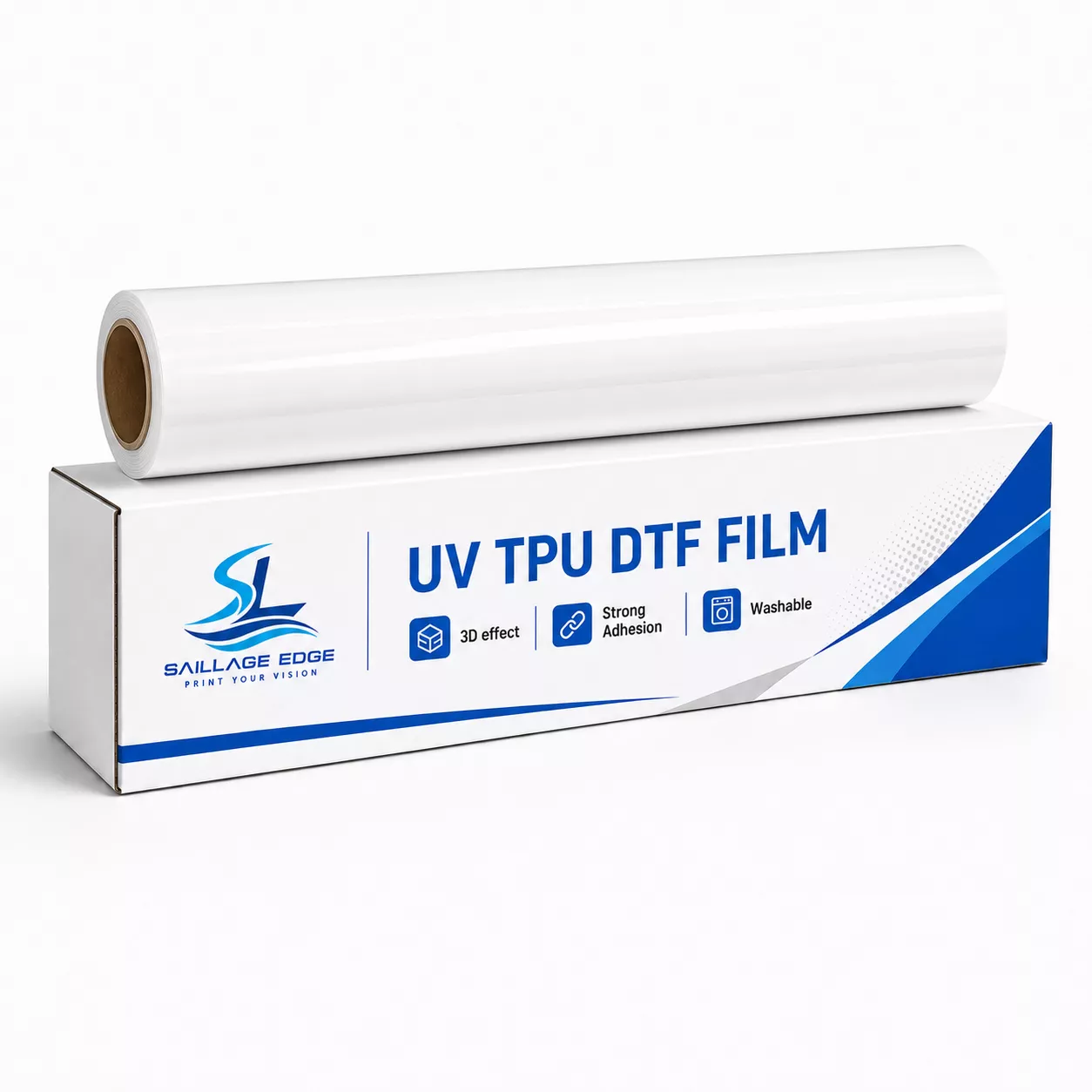
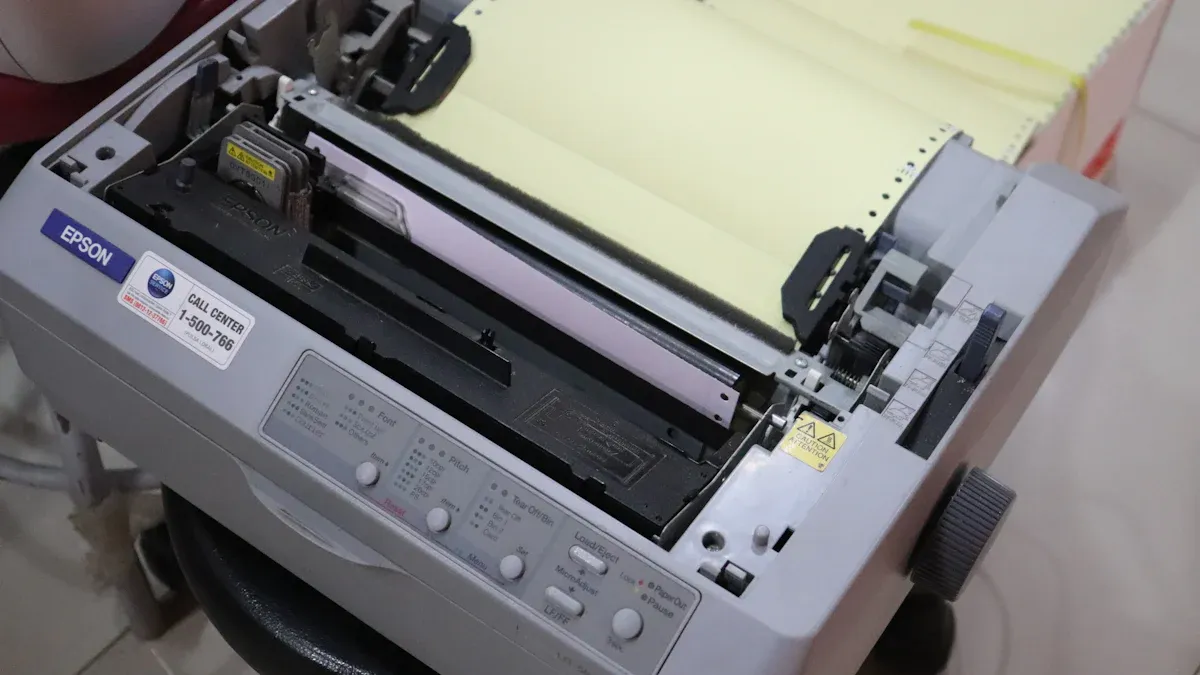
The process begins with the printer. A specialized dtf direct to film printer prints the design onto a sheet or roll of PET (polyethylene terephthalate) film. This film is not just any plastic sheet; it is engineered specifically for this task.
Material: The PET base provides excellent dimensional stability, meaning it will not warp or shrink when heated.
Thickness: A typical film thickness is around 90 microns (0.09mm), balancing durability with transfer efficiency.
Surface Properties: High-quality films often feature a double-sided matte finish. This reduces static and includes an anti-slip coating on the non-print side for smoother feeding through the printer.
Ink Absorption: The print side has a strong ink absorption capacity. It allows the ink to dry within 30-60 seconds, preventing colors from bleeding into each other.
The printer first lays down a layer of CMYK color ink. It then prints a layer of white ink on top. This white layer serves as the base of the design, ensuring the colors appear vibrant on any color garment.
Once the design is printed, the wet ink must be coated with an adhesive powder. This powder is a hot-melt adhesive, typically a specially formulated Thermoplastic Polyurethane (TPU). It acts as the glue that will bind the print to the fabric. Other polymer blends, like Polyurethane (PU) for flexibility or PET-based powders, are also used.
The application must be even for a successful transfer. Operators can choose between two methods:
Manual Application: The operator places the printed film in a shallow tray. They generously sprinkle the powder over the entire inked design. Gently rolling the film back and forth ensures full coverage. Finally, they flick the back of the film to shake off all excess powder, leaving adhesive only on the wet ink.
Automated Application: An automated powder shaker streamlines this step. The machine applies the powder as the film enters. A built-in shaker then vibrates to remove the surplus, which is often collected for reuse. This method provides consistent results and is ideal for higher production volumes.
Next, the powdered film goes through a heating process to melt the adhesive. This "curing" step transforms the grainy powder into a smooth, solid layer of adhesive. The goal is to melt the powder without burning the ink or the film.
Common curing methods and their general settings are:
| Curing Method | Temperature Range | Time Range |
|---|---|---|
| Heat Press (Hover) | 320-350°F (160-176°C) | 2 minutes |
| Curing Oven | 320-350°F (160-176°C) | 2-3 minutes |
| Automated Shaker | 293–320°F (145–160°C) | 8–12 seconds |
Note: Watch for Curing IssuesProper curing is critical for durability. Operators should learn to recognize signs of incorrect curing.
Under-curing: The transfer may feel oily or sticky. The design might not bond completely to the fabric or could peel after washing.
Over-curing: The ink can look burnt or discolored (reds may turn brownish). The adhesive can become brittle, leading to a cracked design when stretched.
The cured film is now a ready-to-apply transfer. This transfer can be used immediately or stored for later use. To apply it, an operator places the garment on a heat press, positions the transfer on the fabric, and presses it. The heat and pressure activate the melted adhesive, bonding the ink permanently to the garment's fibers.
For a standard 100% cotton T-shirt, typical settings are:
Temperature: 315-350°F (157-176°C)
Pressure: Medium to firm
Time: 12-15 seconds
After pressing, the operator waits for the film to cool (for a "cold peel" film) or peels it away immediately (for a "hot peel" film). The PET film is removed, leaving only the vibrant, durable design on the apparel.
A complete DTF setup involves several key pieces of equipment. The total investment can range from approximately $3,000 for a basic entry-level system to over $20,000 for a professional, high-volume operation.
DTF Printer: This is the core component. Options range from compact desktop models like the 14" DTF Vantage, suitable for small businesses, to expansive 24" systems with multiple printheads for industrial production. A quality dtf direct to film printer is essential for crisp details and accurate colors.
Powder Shaker and Curing Oven: For high-volume work, an automated shaker and curing unit is indispensable. Look for features like automatic powder recirculation, intelligent temperature controllers, and efficient media handling. These machines combine powder application and curing into one seamless step.
Heat Press: A reliable heat press is necessary for the final transfer. It must provide consistent temperature and even pressure across its entire platen to ensure a perfect application every time.
Software: You need specialized Raster Image Processor (RIP) software. This software is crucial for managing color profiles, controlling ink levels (especially the white layer), and optimizing print quality. Design programs like Adobe Photoshop or CorelDRAW are used to create the artwork before it is sent to the RIP software.
Consumables: A steady supply of PET film, DTF inks, and adhesive powder is required to keep the operation running.
Choosing the right printing technology depends on your specific needs, including fabric type, order volume, and desired feel. A dtf direct to film printer offers a unique balance of features, but understanding its standing against other popular methods is key.
DTF and DTG both produce full-color, detailed prints, but they differ significantly in application and durability. DTG printing applies ink directly to cotton fabrics, resulting in a very soft feel. However, DTF is far more versatile, working on cotton, polyester, leather, and blends.
| Feature | DTF Prints | DTG Prints |
|---|---|---|
| Feel | Slightly raised, rubbery texture | Soft, blends into the fabric |
| Durability | Lasts 50+ washes | Fades after 25–30 washes |
| Cost/Shirt | $2 - $4 | $3 - $10 |
DTF also holds a cost advantage, particularly on dark garments, and generally requires less maintenance than DTG systems.
Sublimation creates permanent, vibrant prints with zero feel. The process dyes the fabric fibers themselves. Its major limitation is material compatibility. Sublimation only works on light-colored, polyester-based fabrics. DTF printing overcomes this entirely, adhering to nearly any fabric type or color thanks to its white ink base and adhesive layer. While a basic sublimation setup has a lower initial cost (starting around $500), a DTF system provides far greater product versatility.
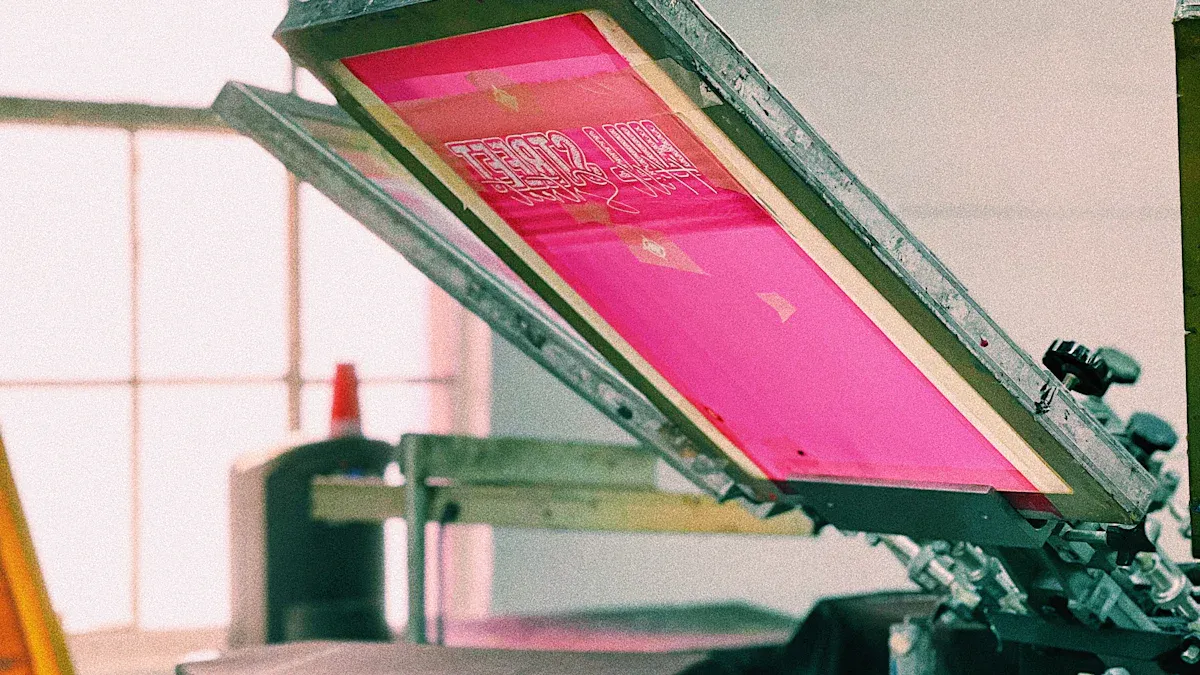
Screen printing is the industry standard for high-volume orders. Once set up, it can produce hundreds of shirts per hour at a low cost per unit. However, its extensive setup for each color makes it inefficient and expensive for small batches. DTF excels here, offering minimal setup for full-color designs. This makes it ideal for custom orders and small runs.
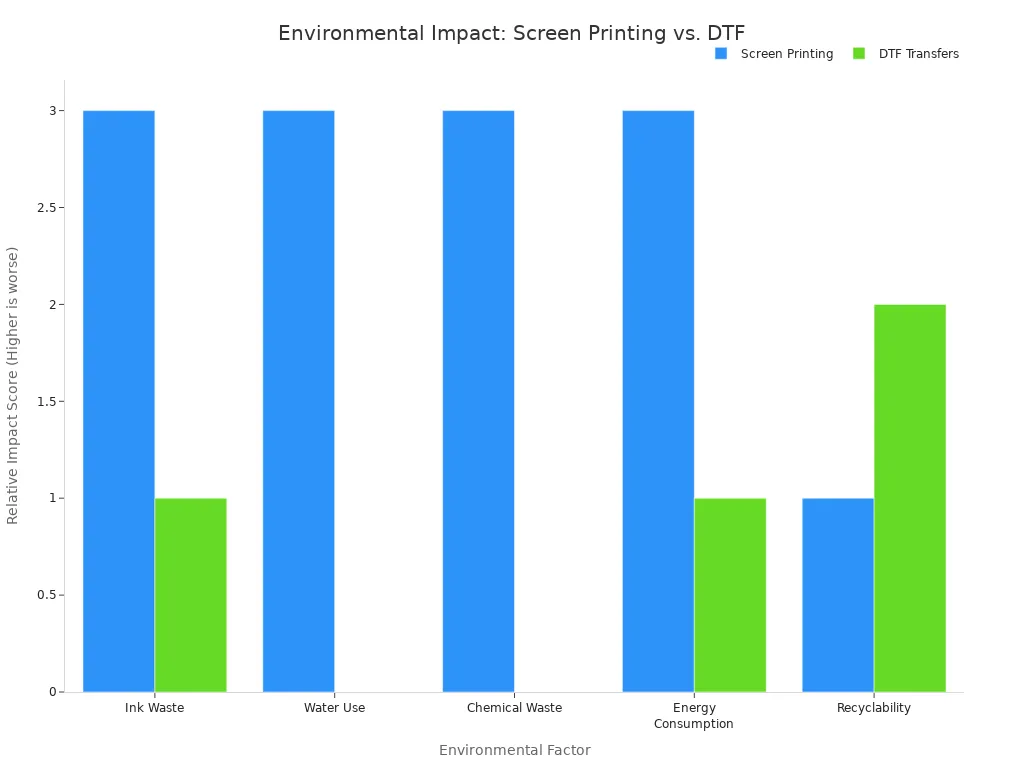
Environmental Note: DTF printing is also a more sustainable choice. It uses water-based inks and generates significantly less chemical and water waste than screen printing.
A dtf direct to film printer stands out for its versatility, creating vibrant prints on a vast range of fabrics. It offers a balance of durability and flexibility, making it a profitable investment for small businesses and custom apparel creators. Understanding its advantages helps you decide if this technology fits your goals.
DTF prints are highly durable. They withstand cracking and peeling very well. Properly applied transfers can endure over 50 wash cycles before showing significant signs of wear.
The transfers have a soft, slightly rubbery texture. They sit on top of the fabric rather than soaking into it. The final feel is thinner and more flexible than traditional vinyl.
No, a standard inkjet printer cannot be used. A dtf direct to film printer requires specialized printheads, RIP software, and specific DTF inks, including a white ink channel.



Select the most popular foreign trade service products to meet your diverse needs
Select the most popular foreign trade service products to meet your diverse needs

Tel: +86 17706217416
Add: Building L2A, No. 520, Lane 1588, Zhuguang Road, Hongqiao World Center, Qingpu District, Shanghai, China






User Comments
Service Experience Sharing from Real Customers
James Wilson
Print Shop OwnerThis DTF printer has revolutionized our small custom apparel business. The print quality is exceptional, colors are vibrant, and the transfer process is incredibly smooth. It's paid for itself within months!
Sophia Chen
Graphic DesignerAs a designer working with various clients, the color accuracy and detail this DTF printer captures are outstanding. It handles complex designs with ease, and the prints are durable and soft on fabric. A game-changer for our studio.
Marcus Johnson
Production ManagerVery reliable and fast DTF printer for our mid-volume production needs. Setup was straightforward, and maintenance is minimal. The white ink opacity is perfect for dark garments. One star off for the initial software learning curve, but overall excellent.
Elena Rodriguez
EntrepreneurStarting my own online t-shirt store was made possible with this printer. It's user-friendly, cost-effective for small batches, and delivers professional-quality prints. Customer feedback on the feel and look of the prints has been phenomenal.