
 English EN
 French FR
 German DE
 Portuguese PT
 Spanish ES
 Russian RU
 Japanese JA
 Korean KO
 Arabic AR
 Greek EL
 Turkish TR
 Italian IT
 Polish PL
 Hindi HI
 中国 CN
中国 CN
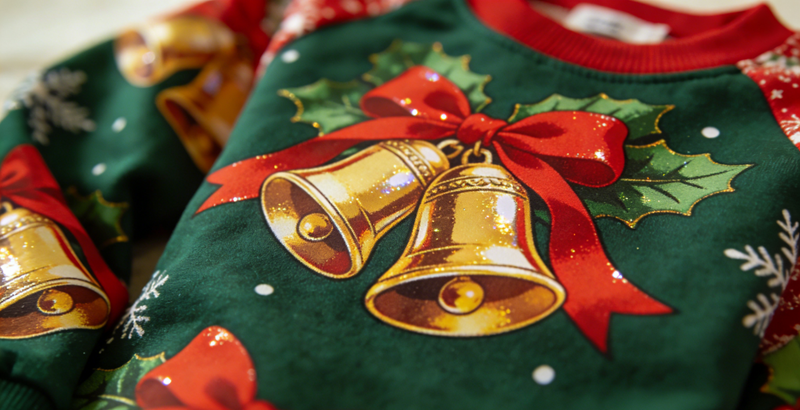
Why Your DTF Prints Lose Fine Details (And How to Fix It)
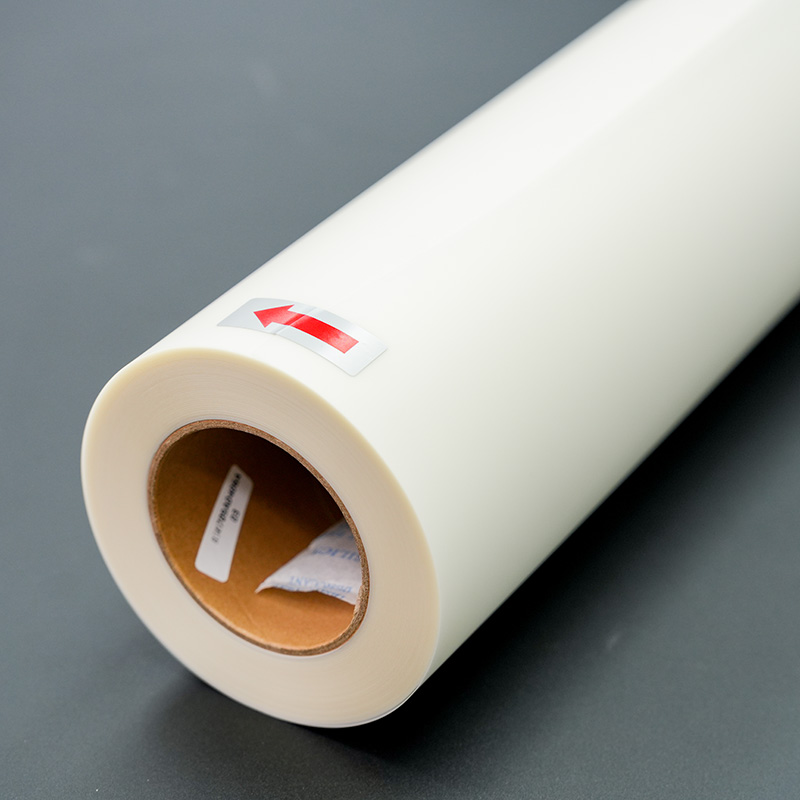
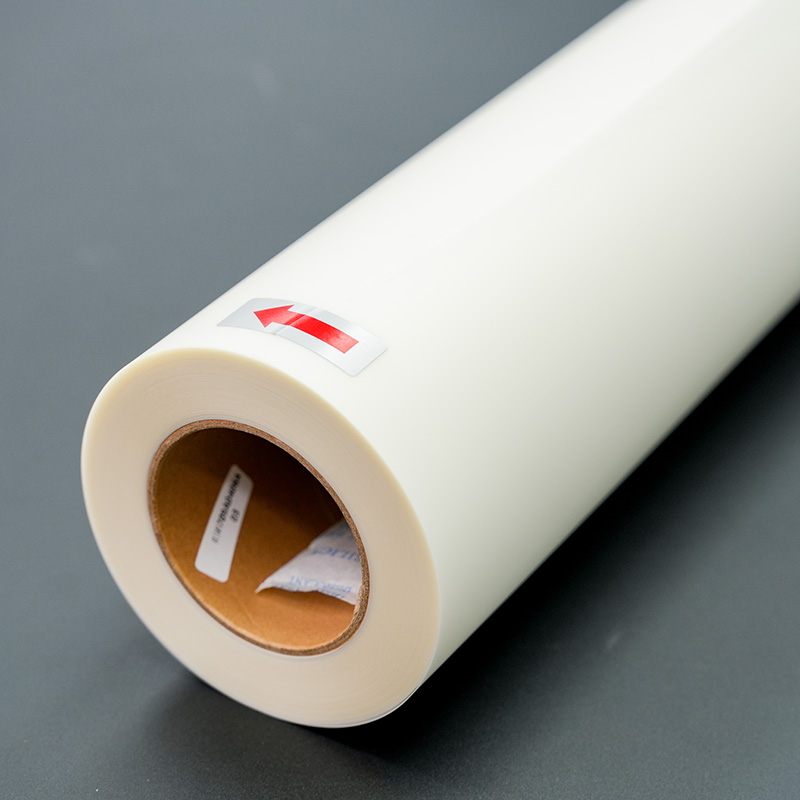
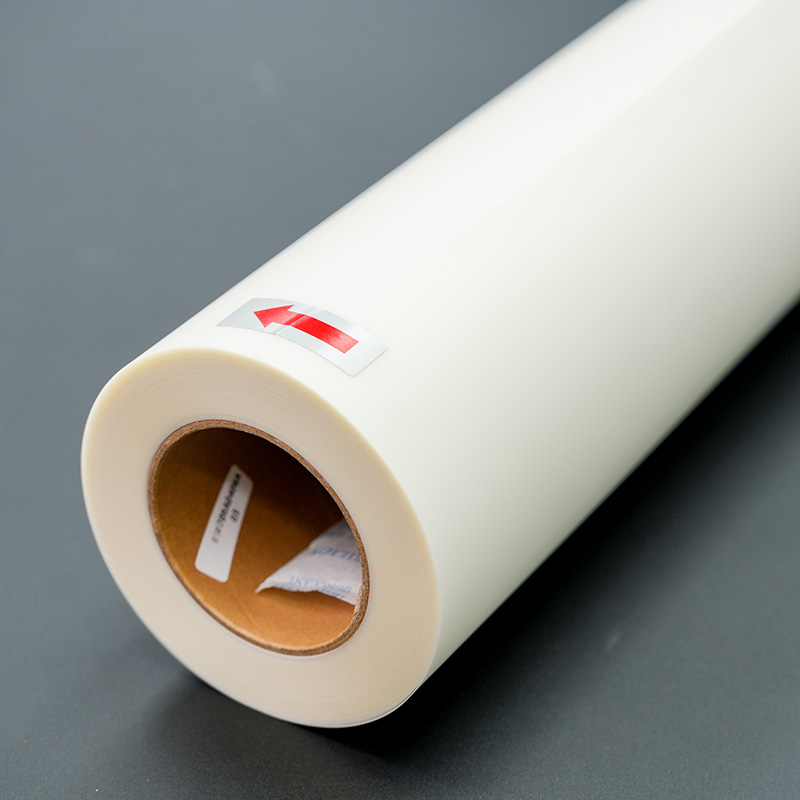
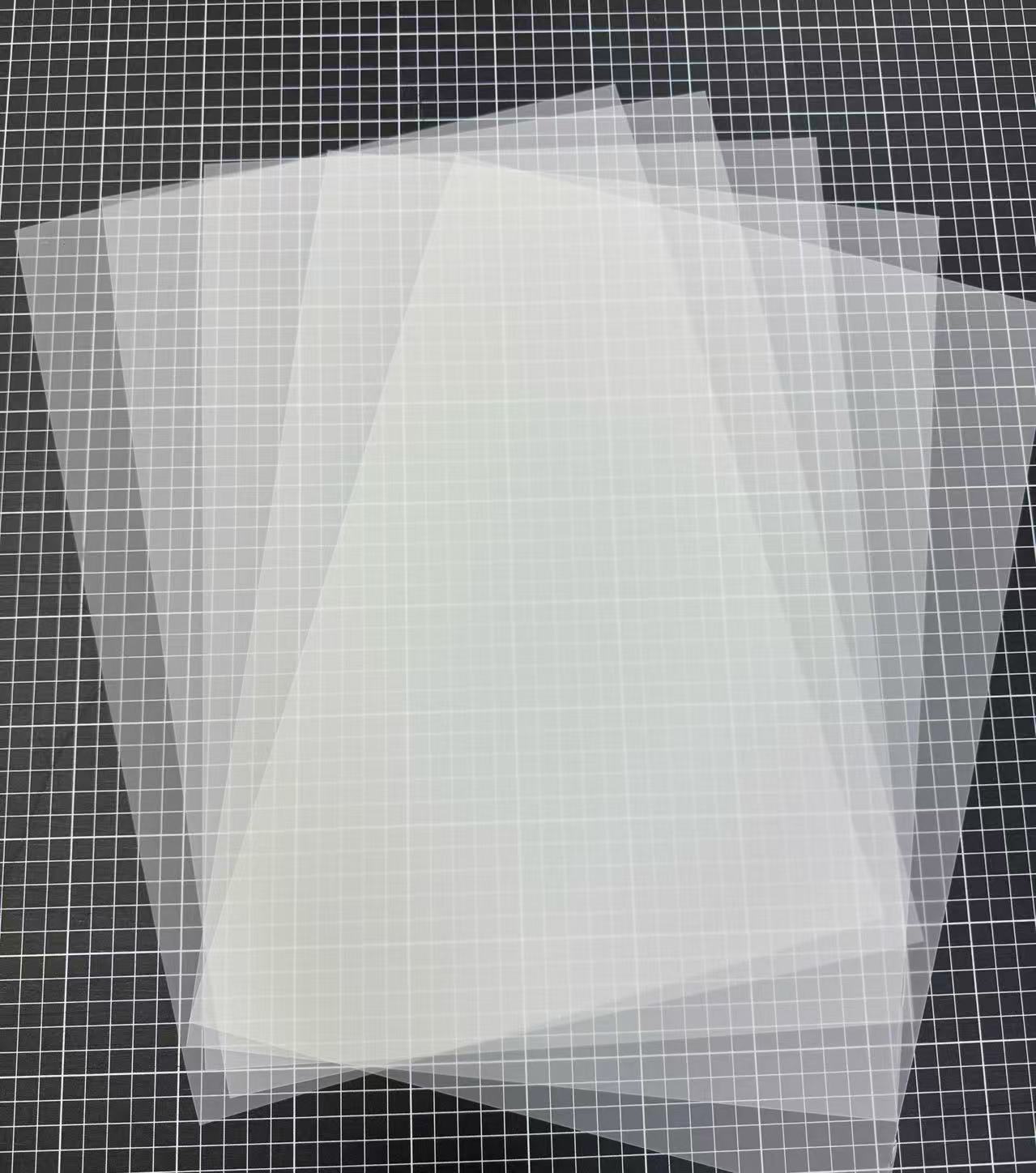
Direct-to-Film (DTF) printing has quickly become a popular choice for textile customization. Its ability to produce vibrant colors and durable prints makes it an attractive option for both small businesses and hobbyists. However, one common challenge that users face is losing fine details in their prints. Understanding why this happens—and how to fix it—is key to achieving professional-quality results with DTF FILM.
1. Ink Absorption and Film Quality
The first factor to consider is the DTF FILM itself. Not all films are created equal; the coating on the film plays a critical role in how ink adheres and how sharp the final print will be. Low-quality or unevenly coated films can cause inks to bleed, resulting in blurry edges and loss of intricate details. Always choose high-quality DTF FILM that guarantees consistent ink adhesion and smooth surface texture.
2. Printer Settings Matter
Even with top-tier DTF FILM, improper printer settings can ruin your prints. Resolution, ink drop size, and print speed all impact the clarity of fine elements. For designs with tiny fonts, thin lines, or intricate patterns, increasing print resolution and adjusting ink density can make a noticeable difference. Over-saturating the film can cause ink spreading, while under-saturating may result in weak, incomplete details. Calibration and test prints are essential steps in this process.
3. Powder Adhesion and Curing Process
A crucial, but often overlooked, factor is the hot-melt adhesive powder applied after printing. Uneven powder distribution or insufficient curing can blur fine lines and reduce detail retention. Ensure that the powder is evenly applied across the print and that the curing process follows recommended temperature and time guidelines. Proper heat pressing not only fuses the powder to the ink but also maintains sharp detail on the DTF FILM.
4. Artwork Preparation
The source artwork itself can be a limiting factor. Raster images with low resolution may look fine on a screen but often fail to reproduce details on DTF prints. Converting artwork to vector format or increasing raster resolution helps retain sharpness. Simplifying overly complex designs and avoiding extremely thin elements can also reduce the risk of detail loss.
5. Environmental Factors
Finally, environmental conditions during printing and curing can subtly affect outcomes. High humidity can cause the ink to spread on DTF FILM, while uneven heat during pressing can create inconsistent adhesion. Maintaining a controlled workspace with stable temperature and humidity ensures optimal print quality.
How to Fix Detail Loss
To fix fine detail issues, start by investing in premium DTF FILM. Check your printer settings for resolution and ink density adjustments, and conduct test prints for complex designs. Pay close attention to powder application and curing parameters, ensuring even coverage and proper heat press technique. Lastly, review your artwork files for resolution, format, and design simplification to suit DTF printing constraints.
In conclusion, losing fine details in DTF prints is usually the result of multiple factors interacting: film quality, printer settings, powder adhesion, artwork resolution, and environmental conditions. By systematically addressing each of these areas, you can achieve crisp, detailed, and professional results. High-quality DTF FILM, combined with correct technique, ensures your prints faithfully replicate even the most intricate designs.



News & Events
learn more-
 Blog
Press Release Apr-10-2026
Blog
Press Release Apr-10-2026The Types of Coated Films for Label and Flexible Package Printing
Among the most widely used options are duplex fast dry coated PP film, Matte White BOPP Inkjet Film, HP indigo top coated White BOPP, and PET Both Side Coated for Laser Printing. Each type offers unique advantages depending on the printing technology and end-use application. -
 Blog
Press Release Apr-10-2026
Blog
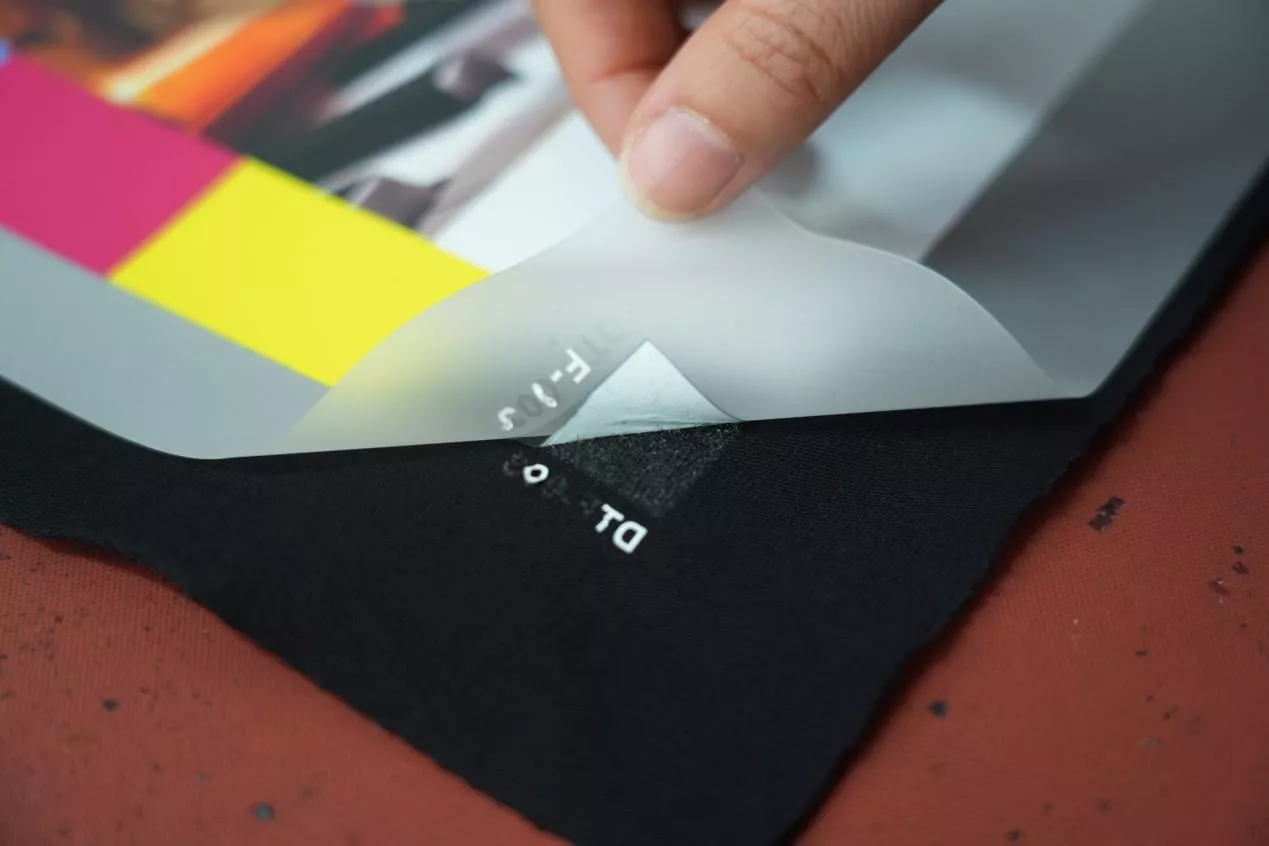
Press Release Apr-10-2026Still Struggling with Edge Lifting in Instant Peel DTF?
The print looks perfect right after pressing, but once cooled or washed, the edges begin to curl or lift. This not only affects the appearance, but also leads to customer complaints and rework costs. So, what exactly causes this issue, and more importantly, how can the right DTF FILM help solve it? -
 Blog
Press Release Apr-10-2026
Blog
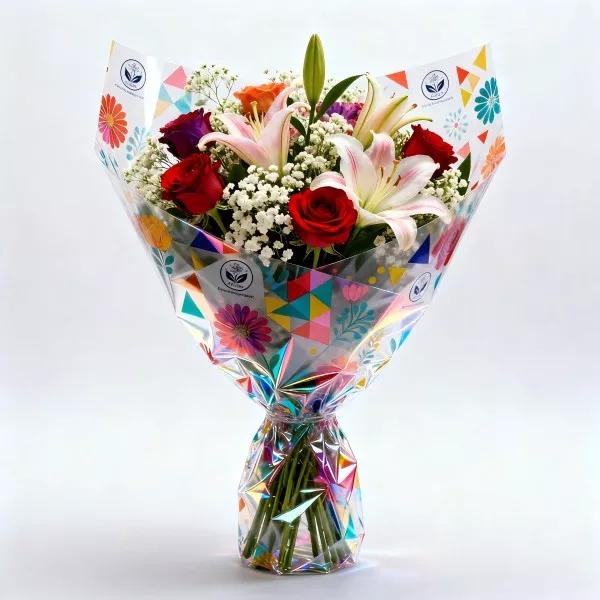
Press Release Apr-10-2026The Finish Types of BOPP Flower Wrapping Film
BOPP flower wrapping film is widely used due to its clarity, strength, and versatility. Different finish types of BOPP Flower Film are designed to meet diverse aesthetic and functional needs.

contact
Tel: +86 17706217416
Add: Building L2A, No. 520, Lane 1588, Zhuguang Road, Hongqiao World Center, Qingpu District, Shanghai, China
follow us: