
 English EN
 French FR
 German DE
 Portuguese PT
 Spanish ES
 Russian RU
 Japanese JA
 Korean KO
 Arabic AR
 Greek EL
 Turkish TR
 Italian IT
 Polish PL
 Hindi HI
 中国 CN
中国 CN
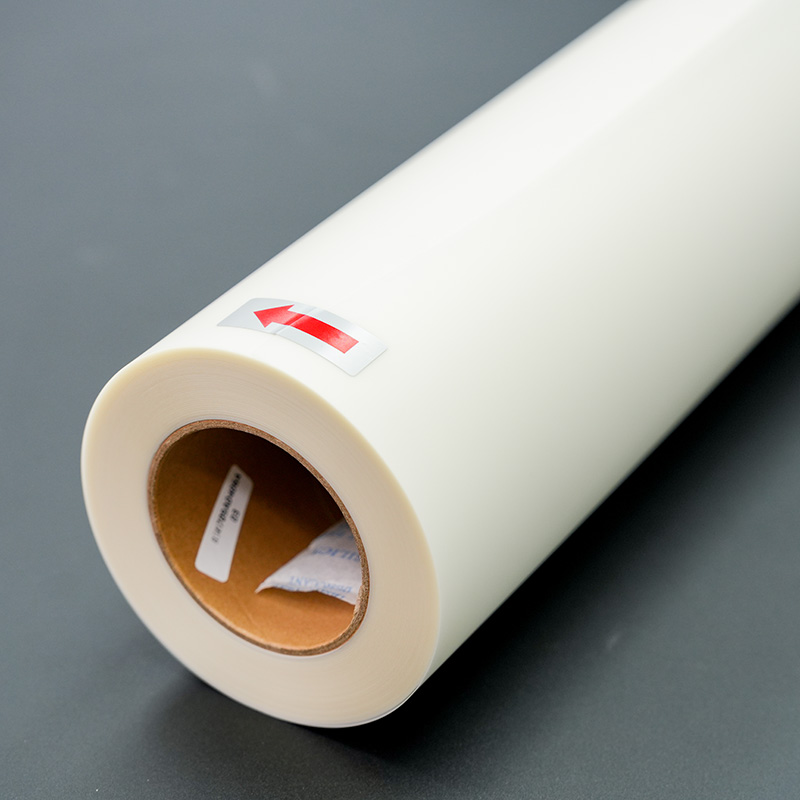
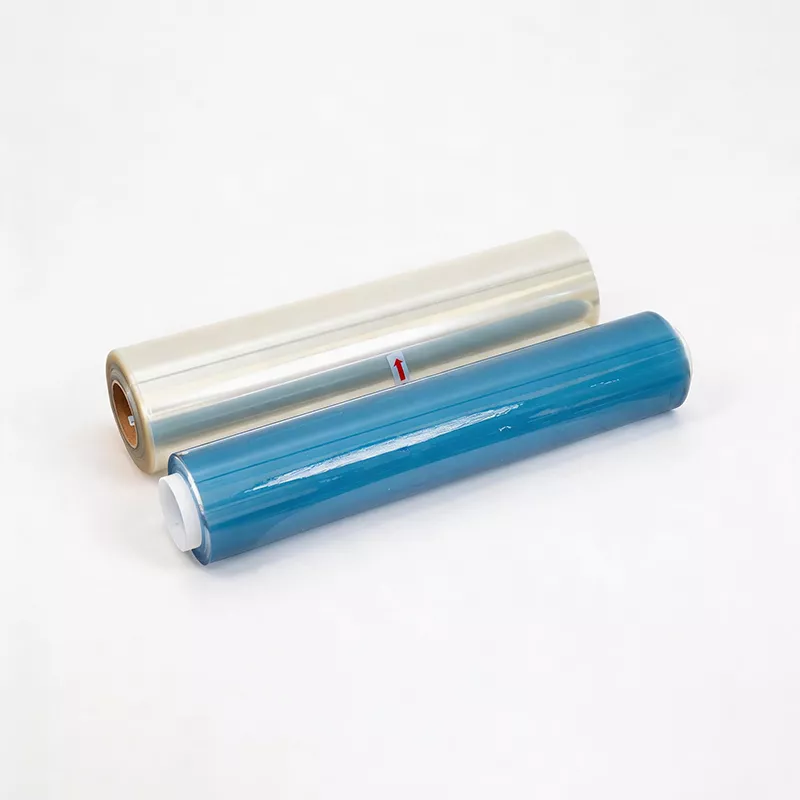
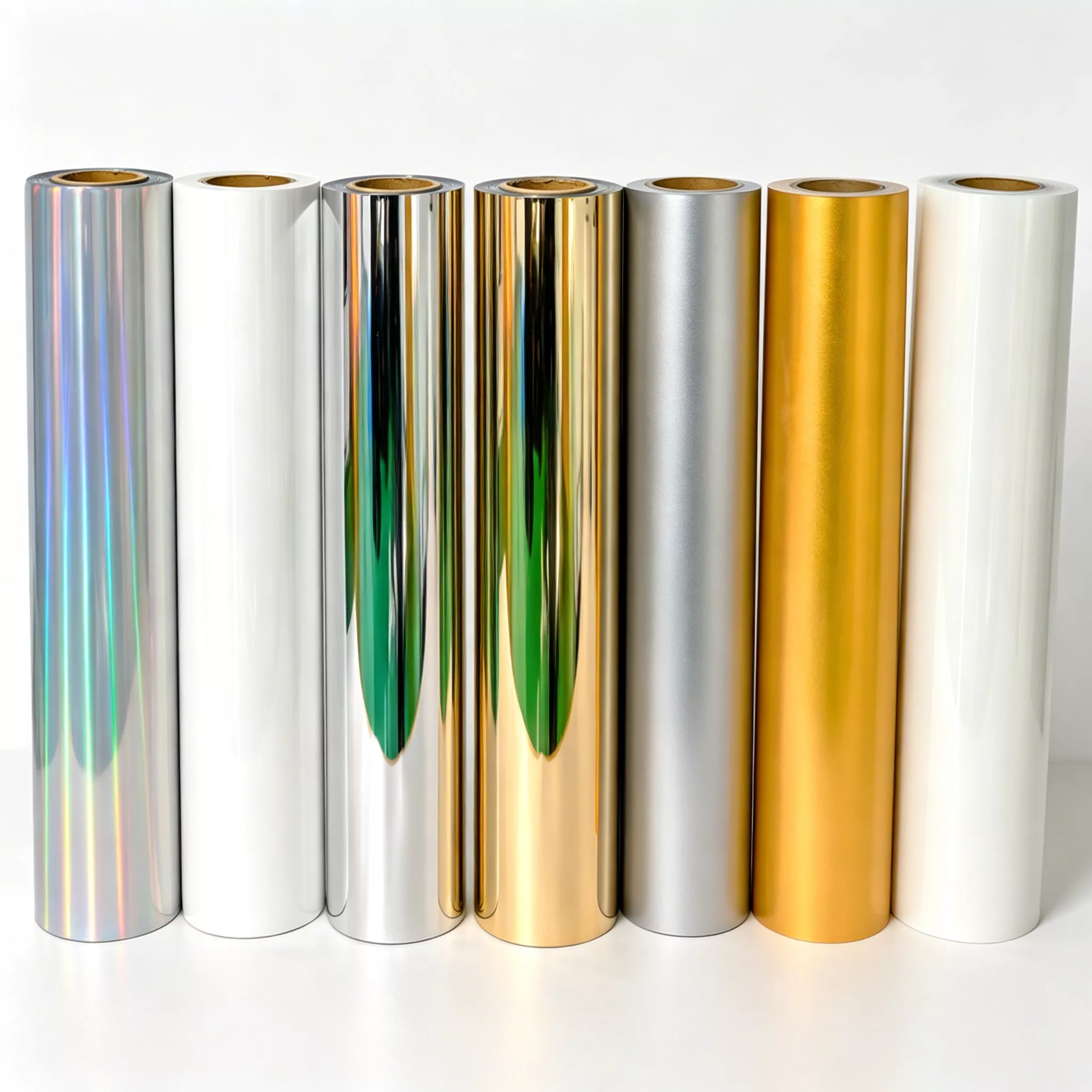
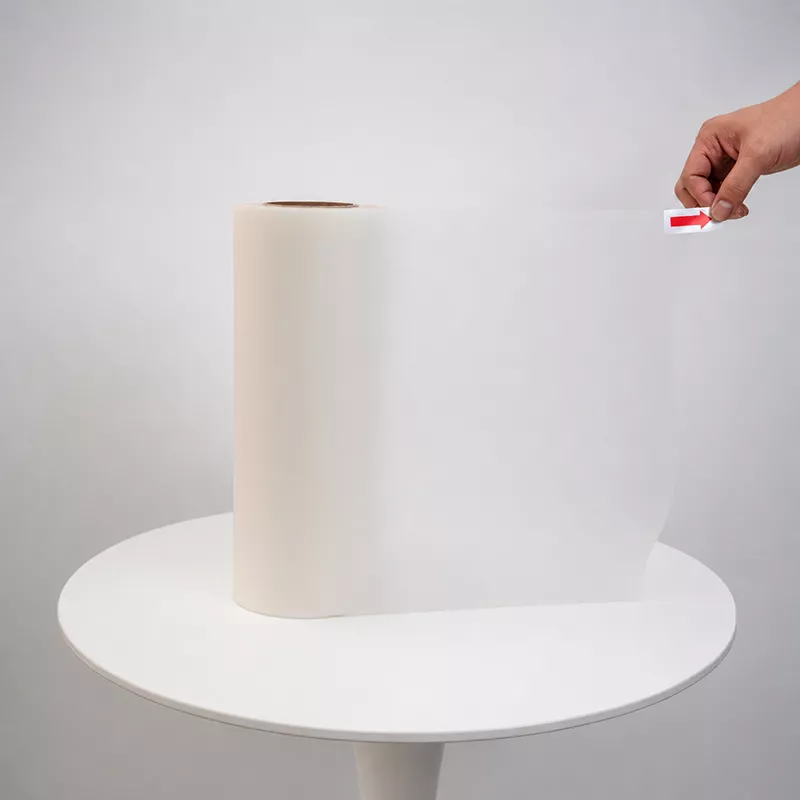
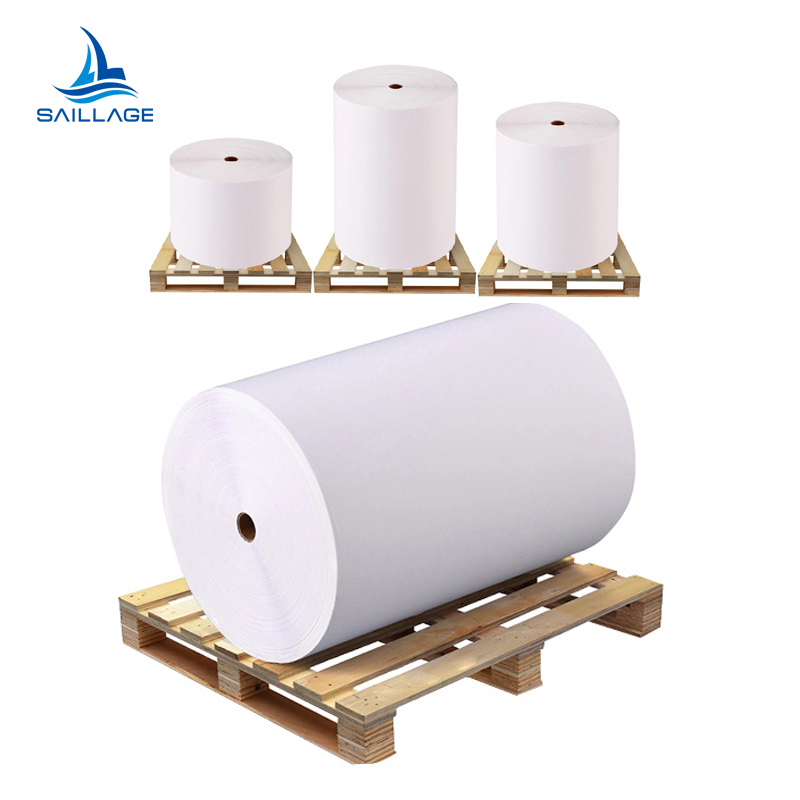
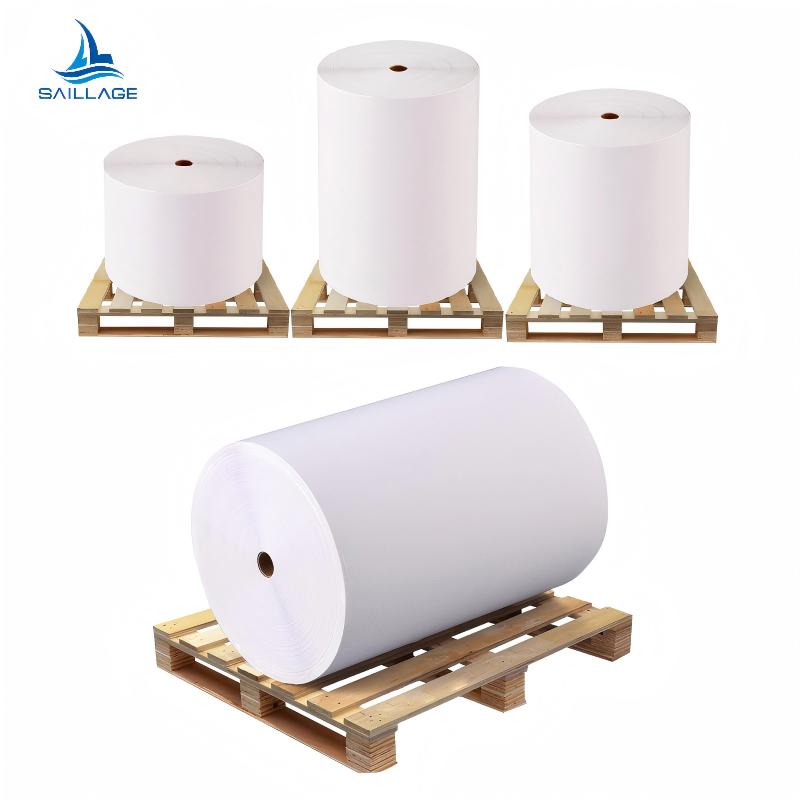
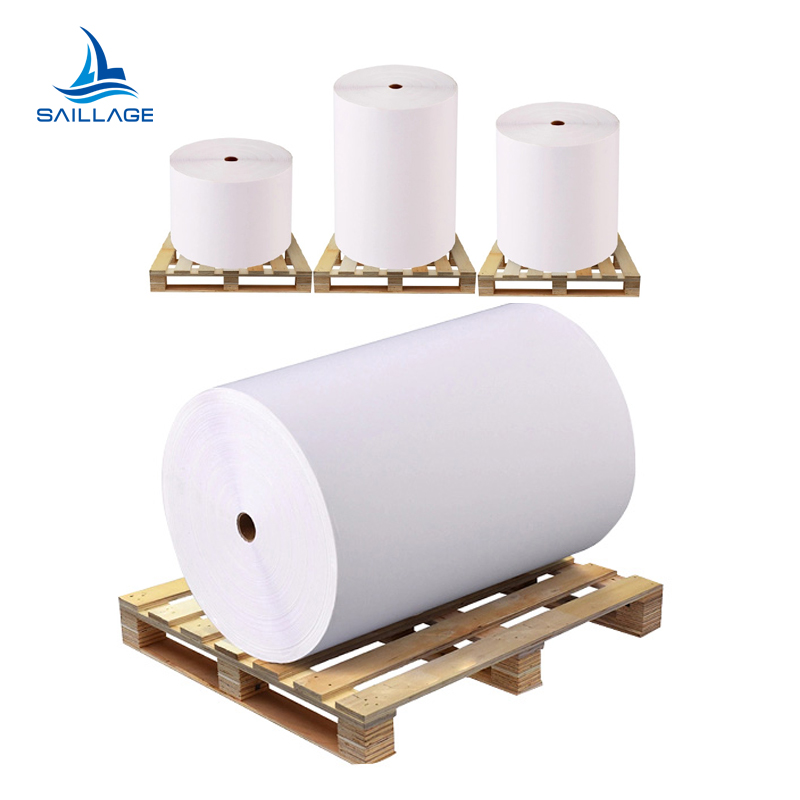
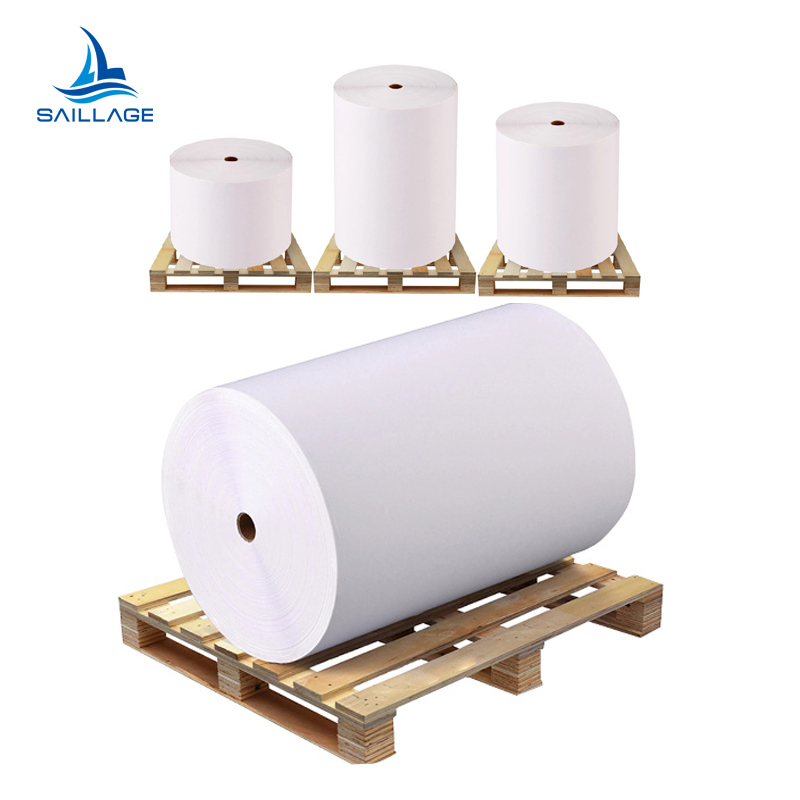
Does More Coating Layers Really Mean Better DTF Film?
In the DTF printing industry, a common belief is: ...
More
Note: Many printing failures originate from a single issue. Sublimation ink is not formulated for the non-porous surface of DTF film, requiring specific process adjustments.
Users often encounter poor ink adhesion and dull colors. The use of dtf film and powder for sublimation demands a modified approach to prevent powder application issues and failed transfers.
Adjust printer settings to use more ink and create a custom color profile for bright, accurate colors.
Apply DTF powder evenly to wet ink and cure it correctly to make a strong, smooth design.
Press the transfer onto the shirt with the right heat and pressure, then let it cool completely before peeling for a lasting finish.
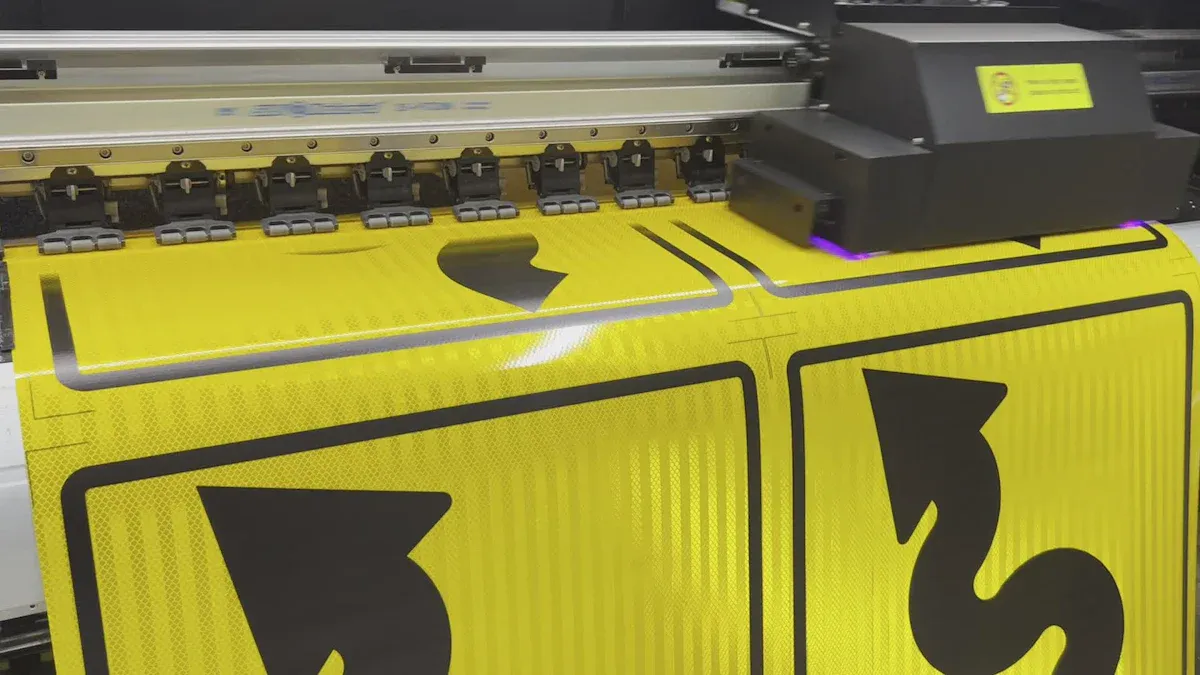
Success with the dtf film and powder for sublimation method begins at the printer. Creators must adjust settings to compensate for ink designed for fabric, not film. These initial changes directly impact ink adhesion, color vibrancy, and the final quality of the transfer.
The most common failure, ink puddling or repelling from the film, stems from the low viscosity of sublimation ink. The non-porous surface of DTF film gives the thin ink nowhere to go, preventing it from forming a stable layer for the powder to grip.
The solution requires a significant adjustment in the printer's RIP software. Users must increase the ink output, often called ink density or saturation level. This forces the printer to lay down a much wetter layer of ink.
Key Concept: The goal is to apply enough ink to create a wet, tacky surface that the DTF powder can physically grab onto before the curing stage. A light ink deposit will be too dry by the time the print finishes.
While printer settings are crucial, the process is incomplete without correct heat press settings. Proper temperature ensures the ink and powder fully bond to the garment. Users should calibrate their equipment for consistent results.
Use a surface thermometer or laser temperature gun to ensure the heat press maintains a stable temperature. Even a 10-degree drop can affect adhesion quality.
Periodically calibrate the press with a digital thermometer to maintain accurate readings.
The ideal temperature varies by fabric type. The following table provides a reliable starting point for pressing.
| Fabric Type | Temperature (Fahrenheit) | Temperature (Celsius) |
|---|---|---|
| General DTF Transfers | 320°F | 160°C |
| 100% Cotton | Up to 325°F | ~163°C |
| Polyester or Blends | 285°F - 300°F | ~140°C - 149°C |
Increasing ink saturation solves the adhesion problem but creates another: inaccurate and overly dark colors. When using more ink than standard profiles account for, colors can shift dramatically. Reds may become muddy brown, and blues can turn purple.
To fix this, a custom ICC profile is essential. An ICC profile is a data file that acts as a translator, ensuring the colors you see on your screen match the colors your printer produces.
A custom profile for a sublimation-to-DTF setup accomplishes several goals:
Corrects Color Shifts: It remaps color values to compensate for the higher ink density.
Controls Ink Limits: It prevents the printer from oversaturating the film, which can cause ink to bleed and blur fine details.
Optimizes Vibrancy: It ensures colors are bright and punchy without becoming distorted.
Without a custom ICC profile, achieving professional and repeatable color accuracy is nearly impossible.
Not all DTF films perform the same, especially when using an alternative ink like sublimation. The quality of the film's coating directly influences how well it accepts the heavy, wet layer of ink. Using a high-quality film is a non-negotiable part of the dtf film and powder for sublimation process.
Creators should look for films with these characteristics:
Excellent Ink Reception: The film should hold the ink in sharp, clean dots without letting it spread or pool.
Consistency: Each sheet should have a uniform coating to prevent random print failures.
Peel Type: Films come in hot peel, warm peel, and cold peel varieties. Cold peel films are often more forgiving for this hybrid method, as they allow the transfer to cool completely, ensuring a stable bond before the film is removed.
Testing different film brands is a wise investment. A film that works perfectly for one user's setup may not work for another due to minor variations in ink, printer models, and ambient humidity.
Once the printer settings are optimized, the focus shifts to the physical application and curing process. This stage is where the wet ink layer and the adhesive powder combine to form a durable, transferable design. Errors here can ruin an otherwise perfect print, leading to wasted materials and frustration.
After printing, the wet ink on the film must be coated immediately and evenly with DTF powder. The goal is to cover every drop of ink without leaving clumps or bare spots. An inconsistent powder layer results in a transfer that has holes or an uneven texture after pressing.
For manual application, creators should work in a clean, dry container large enough to hold the film flat. They can gently pour powder over the entire design and then rock the film back and forth to ensure complete coverage. Tapping the back of the film removes excess powder, leaving a uniform coating on the ink.
For businesses scaling up production, an automatic powder shaker is a valuable investment. This equipment automates the process, providing significant advantages.
Even Adhesive Application: It guarantees consistent powder distribution across the entire print for superior quality.
Time and Labor Savings: The machine automates a tedious manual step, freeing up operators for other critical tasks.
Waste Reduction: It applies the precise amount of powder needed, minimizing waste and reducing material costs.
Increased Production Volume: An automatic shaker is essential for high-volume workflows, boosting overall productivity.
Curing is the process of melting the DTF powder into a smooth, adhesive layer. This is typically done with a heat press (hovering), a convection oven, or a heat gun. The key is to melt the powder completely without overheating the ink or the film. The ideal curing temperature is generally between 350°F and 375°F (176°C - 190°C), but users must test to find what works for their specific setup.
A perfectly cured transfer has a distinct look and feel. Creators can identify a successful cure by observing these signs:
Matte Finish: The surface will have a sophisticated, matte appearance, not a high-gloss shine.
Slightly Coarse Texture: When touched, the design should feel slightly rough, similar to the texture of an orange peel or fine sandpaper.
Steadfast Adhesion: The melted powder should not come off when gently rubbed. It is now a solid, unified layer bonded to the ink.
Warning: Improper curing is a primary cause of transfer failure. Both under-curing and over-curing create significant problems that compromise the final product.
The risks associated with incorrect curing are clear and distinct.
Undercured Transfers:
The design may feel oily or look wet.
White ink areas can appear spotty or show granules of unmelted powder.
The transfer may fail to adhere properly to the garment during pressing.
Overcured Transfers:
The film itself can yellow or warp from excessive heat.
Ink colors may degrade, causing vibrant reds to look burnt or brownish.
The adhesive can lose its effectiveness, leading to peeling or cracking after washing.
The final step is pressing the cured transfer onto the garment. This step bonds the design to the fabric fibers. Using the correct temperature, time, and pressure is critical for a durable, professional finish. The settings for the dtf film and powder for sublimation technique are similar to standard DTF but may require slight adjustments.
Referencing the temperature table from the previous section is a good starting point. Pressure should be medium to firm—enough to ensure full contact without stretching the fabric. A typical press time is 15-20 seconds.
After the initial press, the peeling method becomes important. Most films used for the dtf film and powder for sublimation process are cold peel. This means the user must let the transfer cool completely before removing the film. Peeling while it is still warm can pull the design off the shirt or cause it to stretch. Once the film is removed, a second press for 5-10 seconds with a parchment or Teflon sheet on top will improve washability and give the design a softer, matte finish. This final press helps embed the design into the fabric, enhancing its durability and feel.
Success with this hybrid method hinges on mastering four key areas. Creators must adjust ink output, use a custom ICC profile, apply powder to wet ink, and perfect the curing and pressing stages. While the process demands patience and testing, these adjustments make achieving high-quality, professional results entirely possible.
Yes, creators can use most Epson sublimation printers. The key is using RIP software to control ink output and apply a custom ICC profile for color accuracy.
Cracking often indicates improper curing or pressing. Users should verify their curing process and ensure they perform a second press to improve the design's durability and bond.
No, white sublimation ink does not exist. The white layer comes from the DTF adhesive powder. This powder provides the opaque base needed for printing on dark garments.



Select the most popular foreign trade service products to meet your diverse needs
Select the most popular foreign trade service products to meet your diverse needs

Tel: +86 17706217416
Add: Building L2A, No. 520, Lane 1588, Zhuguang Road, Hongqiao World Center, Qingpu District, Shanghai, China






User Comments
Service Experience Sharing from Real Customers
Michael Chen
Print Shop OwnerThe DTF film and sublimation powder combo is a game-changer for my custom apparel business. The transfer quality is incredibly vibrant and durable, even on dark fabrics. Wash tests have been excellent.
Sarah Johnson
Product DesignerAs a designer, color accuracy is crucial. This DTF film produces sharp details and the powder ensures a smooth, crack-free finish on our promotional products. Very reliable for bulk orders.
David Rodriguez
Production ManagerOur textile factory has significantly reduced waste and increased production speed since switching to this system. The powder adheres perfectly, resulting in high-quality transfers with minimal shrinkage or curling.
Emily Watson
Small Business OwnerStarting a home-based merch business was daunting, but this DTF film and powder made it so accessible. The learning curve was small, and the professional results on hats and bags have my customers thrilled. Highly recommend!