
 English EN
 French FR
 German DE
 Portuguese PT
 Spanish ES
 Russian RU
 Japanese JA
 Korean KO
 Arabic AR
 Greek EL
 Turkish TR
 Italian IT
 Polish PL
 Hindi HI
 中国 CN
中国 CN
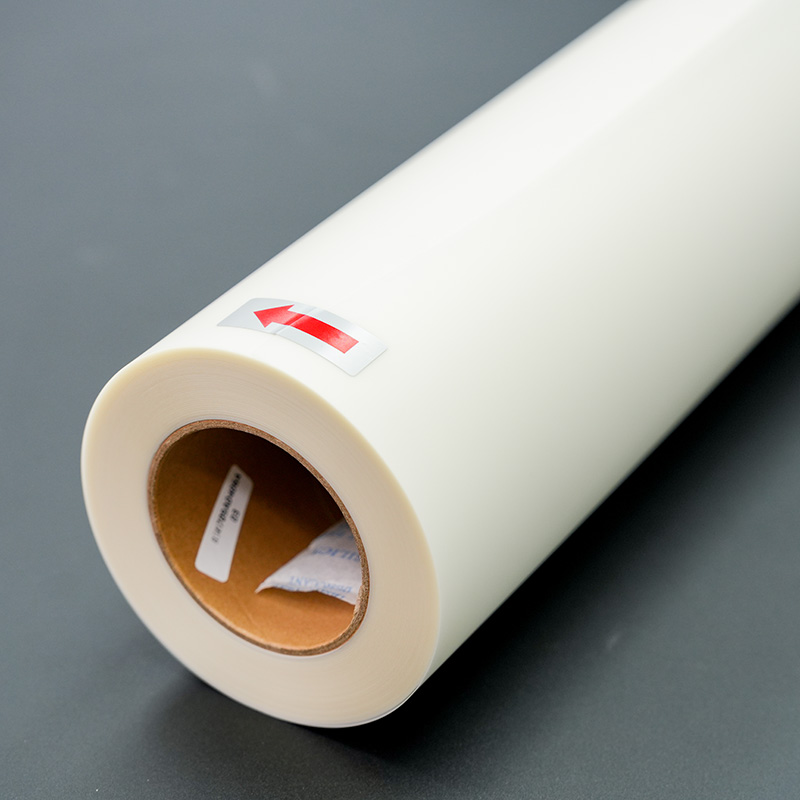
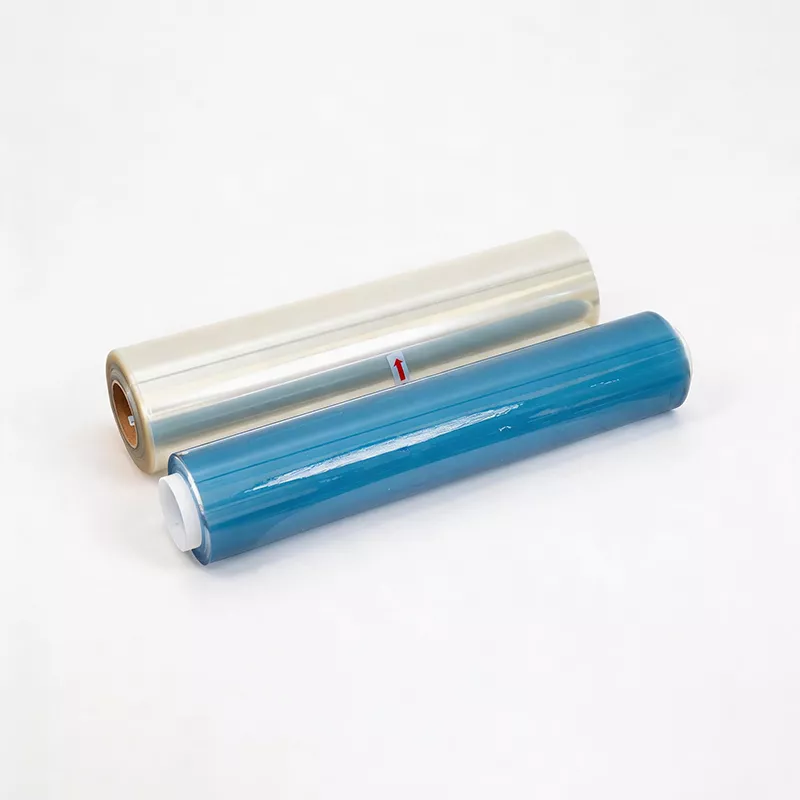
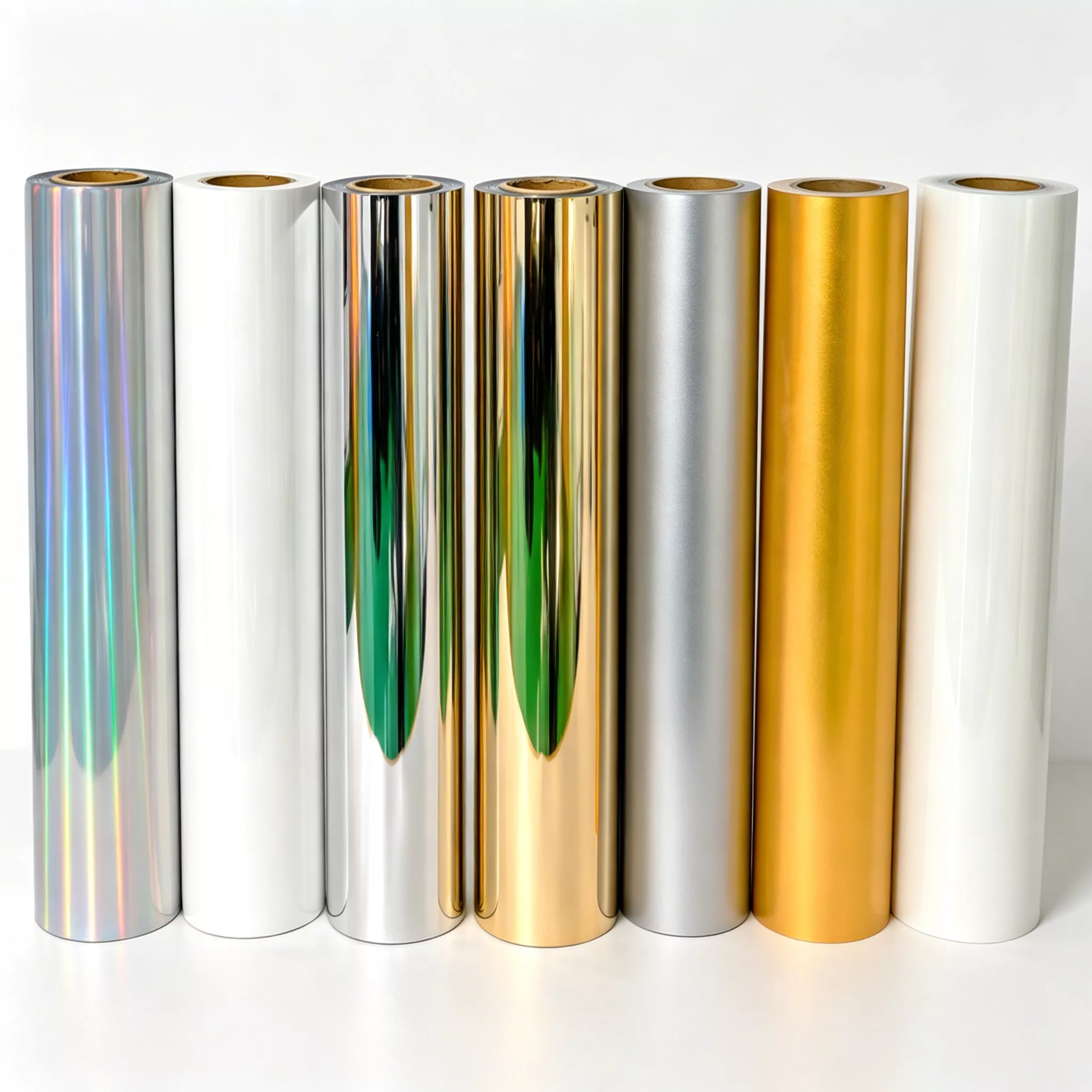
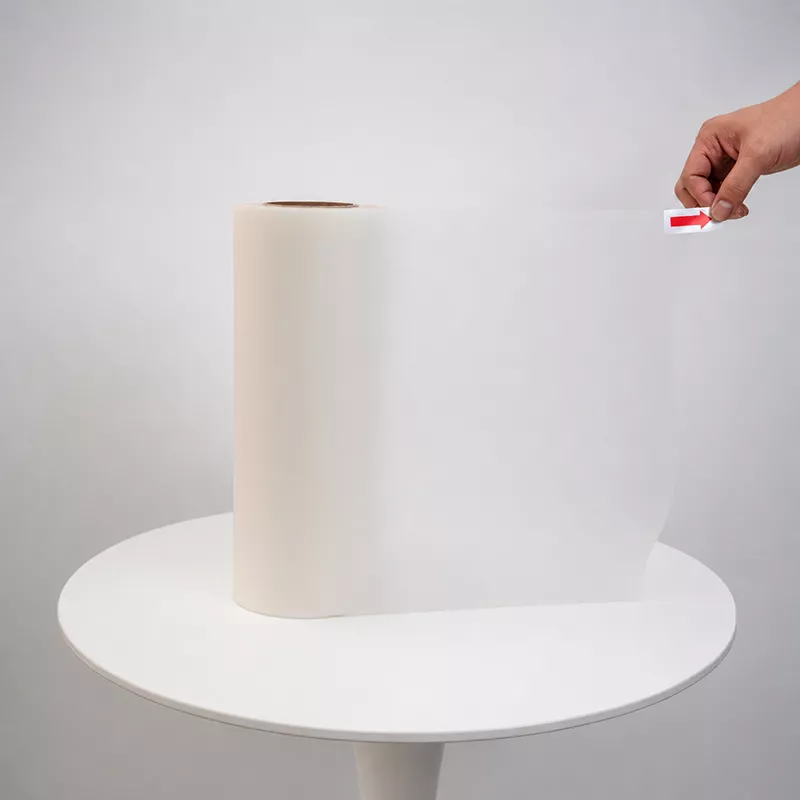
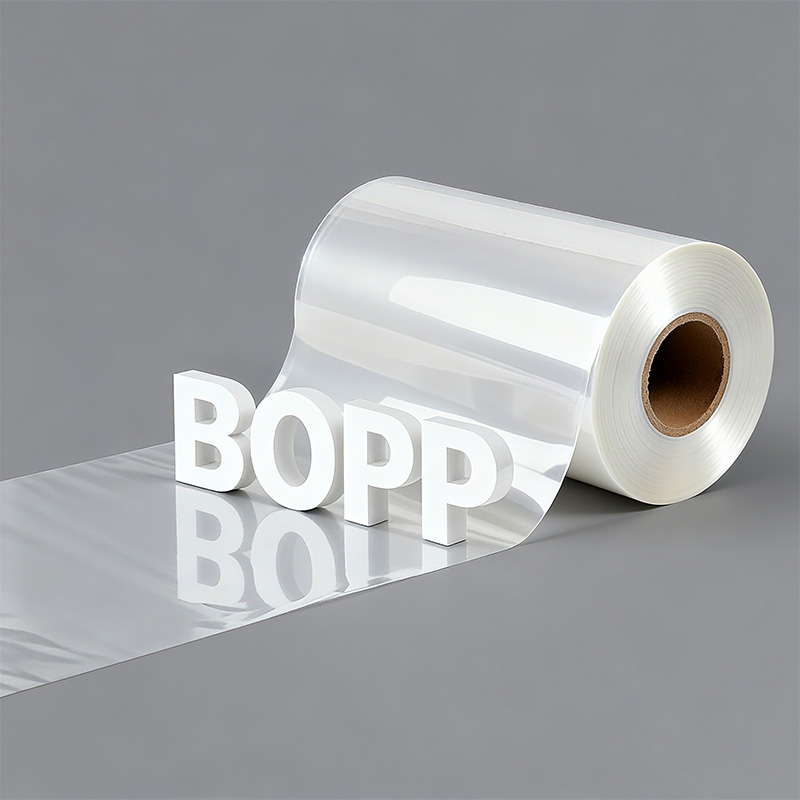
What are the advantages of BOPP film
Third, BOPP film offers great versatility and safe...
More
Using dtf transfer film involves a three-stage process. An operator first prints a design onto the film's matte side using a DTF printer. The next step involves covering the wet ink with adhesive powder. This powder is then melted to create the transfer. Finally, a heat press applies the transfer onto a garment, permanently bonding the design.
DTF transfer film uses a three-step process: print, powder, and cure. This makes the design ready to be put on clothes.
Applying the DTF transfer to fabric needs a heat press. This machine uses heat and pressure to stick the design onto the fabric.
Following the right steps for temperature and time makes DTF transfers last a long time. They can handle many washes.
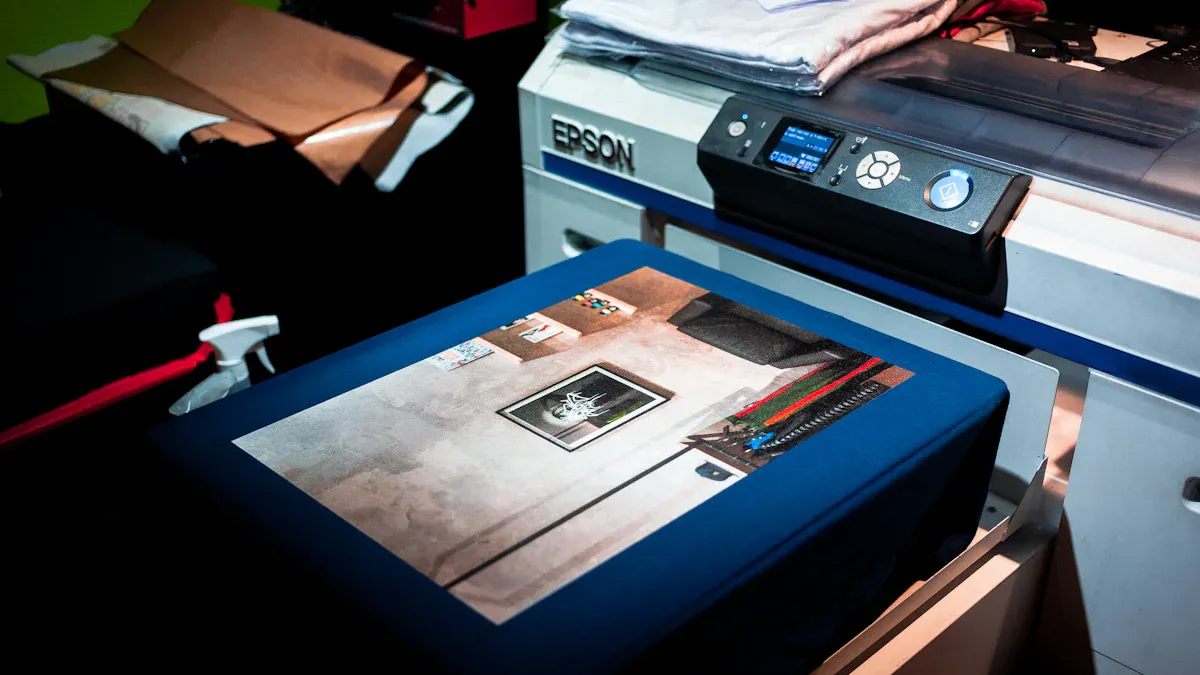
The initial phase of the DTF process focuses on preparing the transfer itself. This involves three critical steps: printing the design, applying an adhesive, and curing the transfer to make it ready for application. Precision at this stage is essential for a high-quality final product.
An operator begins by printing the digital design onto the matte side of a dtf transfer film. This is not a standard print job; it requires specialized Raster Image Processing (RIP) software to manage ink levels and color accuracy. Correct software settings are fundamental for achieving a vibrant and durable print. Key settings include:
ICC Color Profile: An operator selects the correct ICC profile for the specific printer, ink, and film combination. This ensures the software interprets colors accurately for consistent shades.
White Ink Density: The white ink density is adjusted to a range of 180%–220%. This provides optimal brightness and full coverage, preventing the design from looking transparent on dark fabrics.
Ink Saturation: An operator sets the ink saturation between 85%–90%. This level produces rich colors without oversaturation, which could interfere with powder adhesion.
Print Order: The software is set to "Print Color First," followed by "Color + White." This sequence lays down the color layer first and then backs it with a solid white base for improved vibrancy.
Failure to manage the printing environment can lead to various errors. Operators must maintain their equipment and settings to prevent common issues.
| Common DTF Printing Error | Prevention/Solution |
|---|---|
| DTF Printhead Blockage | An operator performs regular printhead cleanings, especially after periods of inactivity, to prevent streaks or gaps in the print. |
| DTF Printing White Ink Problems | An operator stirs white ink thoroughly before use and ensures printheads are clean to avoid a semi-transparent or uneven white layer. |
| Art Printing Quality Uneven | An operator checks that the film tension is correct and the printhead is properly aligned to ensure consistent ink coverage. |
| Printing Image Distortion | An operator confirms there is sufficient ink in the system and that color settings in the software are correctly configured. |
Immediately after printing, the ink on the film is still wet. An operator carefully covers the entire printed area with a specialized DTF adhesive powder. This can be done manually by laying the film in a shallow tray of powder or by using an automated powder shaker for more consistent results. The powder sticks only to the wet ink, forming the bonding layer.
Note: The key to a strong transfer is an even coating. After applying the powder, an operator gently flicks the back of the film to shake off all excess particles. Only the powder adhered to the ink should remain. Any loose powder can melt onto the garment and ruin the final product.
The final step in creating the transfer is curing, which melts the adhesive powder and fuses it with the ink. An operator can accomplish this using a dedicated curing oven set to approximately 250°F (120°C) for two to three minutes. Alternatively, a heat press can be used by hovering the heat platen about one centimeter above the dtf transfer film without making contact.
Identifying a properly cured transfer is straightforward. The melted powder should have a specific appearance and texture.
Appearance: A correctly cured transfer has a matte finish, not a glossy or shiny one.
Texture: It feels slightly coarse to the touch, often compared to the surface of fine sandpaper.
Adhesion: The adhesive layer feels solid and does not come off when gently rubbed.
The state of the cure directly impacts the transfer's quality and longevity.
| Curing State | Appearance/Texture Indicators |
|---|---|
| Properly Cured | Matte finish, slightly coarse texture, adhesive remains steadfast. |
| Under-Cured | Oily or shiny finish, powder feels loose and comes off to the touch. |
| Over-Cured | An "orange-peel" texture appears, and the film may start to yellow. |
Incorrect curing time or temperature leads to significant defects. Both under-curing and over-curing compromise the final transfer, resulting in a product that will not last.
Consequences of under-curing include:
Poor adhesion, causing the design to peel or crack after washing.
An oily or wet feel to the transfer.
Visible white, spotty areas where the powder did not melt correctly.
Consequences of over-curing include:
Degradation of the ink, giving the design a burnt look.
Red inks shifting to dull, brownish tones.
Yellowing of the transfer film itself.
Reduced adhesive effectiveness, leading to premature peeling.

With a properly cured transfer ready, the process moves to the application phase. This stage involves transferring the design from the film to the final garment using heat and pressure. Correct execution here ensures the design bonds permanently and withstands washing and wear.
Proper preparation of both the equipment and the fabric is a non-negotiable step for a professional finish. An operator begins by setting the heat press to the correct temperature and pressure for the specific fabric type. Polyester and synthetic blends require lower temperatures to prevent scorching or melting.
Polyester fabrics have a low heat tolerance. They can scorch or burn at temperatures above 280°F (138°C).
The ideal temperature for applying DTF to polyester is between 270-280°F (132-138°C).
Pressure must be medium to firm. An operator can perform a "dollar bill test" by closing the press on a dollar bill at the edges; if the bill cannot be pulled out easily, the pressure is adequate.
The following table provides a reference for common synthetic fabrics.
| Fabric Type | Temperature Range (°F/°C) | Pressure Setting |
|---|---|---|
| 100% Polyester | 270°F (132°C) | Medium to Firm |
| Polyester Blends | 275-280°F (135-138°C) | Medium to Firm |
| Performance Fabrics | 280°F (138°C) maximum | Medium to Firm |
Next, the operator prepares the garment. They lay the fabric flat on the lower platen of the heat press and pre-press it for 5–10 seconds. This simple action removes wrinkles and moisture from the fabric, creating a smooth, dry surface that is ideal for adhesion.
Once the garment is pre-pressed, an operator carefully positions the cured transfer on the fabric, design-side down. Precision is key to ensuring the graphic is straight and centered. For smaller or complex designs, they can use heat-resistant tape to secure the corners of the dtf transfer film, preventing it from shifting when the press is closed.
Pro Tip: Always place a protective sheet, such as a Teflon sheet or parchment paper, over the transfer film before pressing. This prevents direct contact with the heat platen, protecting both the film and the press from potential ink residue.
The operator then closes the press and applies heat for a specific duration. The pressing time varies based on the fabric. A general guideline is 15–20 seconds at a temperature of 320–350°F (160–180°C) for cottons, but synthetics require shorter times.
| Fabric Type | Recommended Pressing Duration |
|---|---|
| Cotton / Blends | 15–20 seconds |
| Polyester | 10–15 seconds |
| Dark Fabrics | 15–20 seconds |
Adhering to these times is critical. Over-pressing can overheat the design or damage the fabric, while under-pressing results in poor adhesion.
After the press cycle is complete, the operator opens the press and removes the garment. The next action is peeling the film away from the design. DTF films are typically categorized as either "hot peel" or "cold peel."
Hot Peel: The operator peels the film away immediately (within 1–3 seconds) while the garment is still hot. The peel should be done in a smooth, consistent motion. This method is fast and efficient for high-volume production.
Cold Peel: The operator sets the garment aside and allows it to cool completely to room temperature. Once cool, they peel the dtf transfer film off. This method often produces a slightly more matte finish and is recommended for highly detailed designs.
A successful peel leaves the entire design bonded to the fabric with no adhesive or ink left on the film. For an enhanced feel and improved durability, many professionals perform a finishing press. They cover the exposed design with parchment paper and press it again for 5–10 seconds. This final press pushes the ink further into the fabric fibers, giving it a softer feel and increasing its wash resistance.
An operator uses DTF transfer film in a straightforward process: print, powder, cure, and press. Adhering to precise settings for temperature and time creates professional apparel. These transfers exhibit excellent durability, often lasting 50 to 100 washes. Mastering this technique unlocks versatile, high-quality printing on fabrics like cotton and polyester.
An operator needs a dedicated DTF printer. It must handle specialized DTF inks and print a white ink base layer, which standard office printers cannot do.
Using a household iron is not recommended. A heat press provides the consistent temperature and even pressure required for a durable, professional-quality bond that an iron cannot guarantee.
Properly applied DTF transfers are highly durable. They often withstand 50 to 100 washes before showing signs of wear, making them a long-lasting option for custom apparel.



Select the most popular foreign trade service products to meet your diverse needs
Select the most popular foreign trade service products to meet your diverse needs

Tel: +86 17706217416
Add: Building L2A, No. 520, Lane 1588, Zhuguang Road, Hongqiao World Center, Qingpu District, Shanghai, China






User Comments
Service Experience Sharing from Real Customers
James Wilson
Apparel Shop OwnerThe DTF transfer film is incredibly easy to use. Just print, powder, and heat press. The colors are vibrant and the finish is durable, even after multiple washes. It has revolutionized our custom t-shirt production.
Sophia Chen
Graphic DesignerAs a designer, I love the detail this film captures. The process is straightforward: print your design on the film, apply adhesive powder, melt it with heat, and then press onto the garment. Perfect for complex, full-color designs on dark fabrics.
Marcus Johnson
Production ManagerExcellent for small batches and on-demand orders. The transfer film makes application quick and consistent. We use it for hats, bags, and shirts. The key is getting the heat press time and temperature right—once dialed in, results are fantastic.
Elena Rodriguez
Craft Business OwnerThis film is a game-changer for my home-based business. The process is clean and doesn't require pretreatment like DTG. I can create professional-quality transfers for cotton, polyester, and blends. Customer satisfaction has soared since I switched to DTF.