
 English EN
 French FR
 German DE
 Portuguese PT
 Spanish ES
 Russian RU
 Japanese JA
 Korean KO
 Arabic AR
 Greek EL
 Turkish TR
 Italian IT
 Polish PL
 Hindi HI
 中国 CN
中国 CN
.webp)
DTF Transfer Problems Before Heat Pressing: How to Check for Oiling, Moisture and Film Defects
Introduction: Do Not Skip the Pre-Press Check
A printed DTF transfer may look fine when it comes off the printer, but its condition can change during storage. Before heat pressing, it is important to check the film carefully, especially if it has been stored for an extended period or exposed to uncertain environmental conditions.
Unusual surface appearance, suspected moisture, damaged packaging, or inconsistent test results should not be ignored.
A simple pre-press inspection can help identify potential problems before they affect an entire production run.
1. Look for Changes in the Film Surface
Start by examining the printed film under good lighting.
Check whether the surface looks uniform and whether the printed image and adhesive powder layer appear consistent with their original condition.
Pay attention to:
Unusual glossy or oily-looking patches
Water droplets or condensation
Dust or foreign particles
Scratches, creases, or coating damage
Areas where the adhesive powder appears uneven or disturbed
Compare suspicious areas with an unaffected section of the same roll, if available. Take photographs and record the batch number if an abnormality is found.
2. What Does Oiling Look Like?
Oiling may appear as unusual greasy-looking areas, local gloss changes, or an oily appearance on the film surface.
However, the appearance alone cannot identify the cause. Potential contributing factors may include the film coating, ink and powder system, material compatibility, or storage conditions.
If oiling is suspected:
Separate the affected roll from normal production stock.
Record the printing date and batch number.
Check whether the issue appears across the whole roll or only in certain areas.
Compare the affected area with an unaffected section.
Conduct a small press test only after the material has been assessed.
Avoid applying unapproved cleaning agents or rubbing the printed surface aggressively, as this may damage the coating or printed image.
3. How to Check for Moisture or Water-Related Changes
Moisture-related warning signs may include visible droplets, condensation, damp packaging, or unexpected changes in the film surface or powder layer.
These signs should be investigated before pressing.
If moisture is suspected, check whether the packaging was damaged, whether the roll was stored in a humid location, and whether the film was fully dry before it was sealed.
Do not assume that adding desiccant after the problem appears will automatically restore the material. A desiccant may help control moisture in the package, but it cannot guarantee that an already affected transfer will return to its original condition.
If the roll is visibly wet or the powder layer has changed significantly, hold it for evaluation rather than immediately using it in production.
4. Why Packaging and Storage Conditions Matter
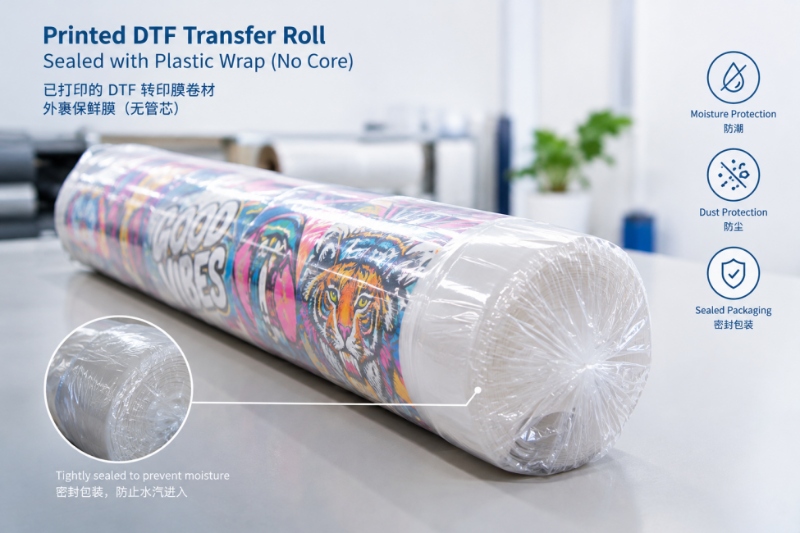
Printed DTF film can be exposed to moisture and contamination when it is left uncovered or stored in unsuitable conditions.
To reduce these risks:
Allow the roll to cool fully before packing.
Wrap the roll securely with suitable plastic film.
Pay particular attention to the exposed ends.
Add silica gel or another suitable desiccant to the outer packaging box.
Store the package in a clean, dry environment.
Avoid direct sunlight and significant temperature or humidity fluctuations.
The objective is to limit exposure to external moisture and contamination. Packaging should not trap moisture that is already present on the film.
5. Perform a Small Heat-Press Test Before Full Production
When a stored roll shows unusual surface changes—or when its storage history is uncertain—test a representative section before using the entire roll.
Follow this basic procedure:
Select a test area. Choose a representative section without cutting into or damaging the rest of the roll unnecessarily.
Check the material. Inspect the printed image, film surface, and adhesive powder layer.
Use the recommended press settings. Follow the specified temperature, pressure, and dwell time for the particular transfer system.
Follow the correct peeling method. Use hot, warm, or cold peeling as specified for the film.
Evaluate the result. Check image transfer, edge definition, adhesion, and any residue or visible defects.
Conduct additional testing if needed. For applications requiring durability, perform suitable wash or stretch tests after transfer.
A test pressing can reveal obvious problems, but it does not guarantee long-term durability. Additional testing may be necessary depending on the application.
6. What If the Test Result Is Unsatisfactory?
If the image does not transfer properly, the edges are incomplete, or adhesion appears inconsistent, stop before processing the remaining stock.
Investigate the possible causes systematically:
Was the film stored correctly?
Is there visible moisture or contamination?
Is the adhesive powder layer in good condition?
Are the temperature, pressure, and pressing time appropriate?
Are the film, ink, powder, and substrate compatible?
Is the peeling method correct for the transfer system?
Do not automatically attribute every failure to storage. Printing parameters, material compatibility, and heat-press conditions can also affect the result.
Record the test outcome alongside the batch label. This information will help with troubleshooting and future production decisions.
Conclusion: Inspect First, Press with Confidence
A quick inspection before heat pressing can help identify potential issues with stored DTF transfers before they affect a larger order.
Check for unusual oily-looking areas, visible moisture, contamination, and changes in the film or powder layer. If anything is uncertain, conduct a controlled test using the recommended pressing procedure before moving into full production.
Combining appropriate packaging, batch traceability, and pre-press testing provides a more reliable way to manage printed DTF transfer rolls.
At Saillage, we encourage printing businesses to check both the condition of stored materials and the compatibility of the complete transfer system before production.




News & Events
learn more-
 Blog
Press Release Oct-26-2026
Blog
Press Release Oct-26-2026PETG Shrink Sleeve Base Film for Printing: Surface and Ink-Adhesion Trial Checklist
Use this PETG shrink sleeve printing checklist to evaluate surface condition, ink wetting, drying, adhesion, converting and shrink-trial performance. -
 News
Press Release Oct-26-2026
News
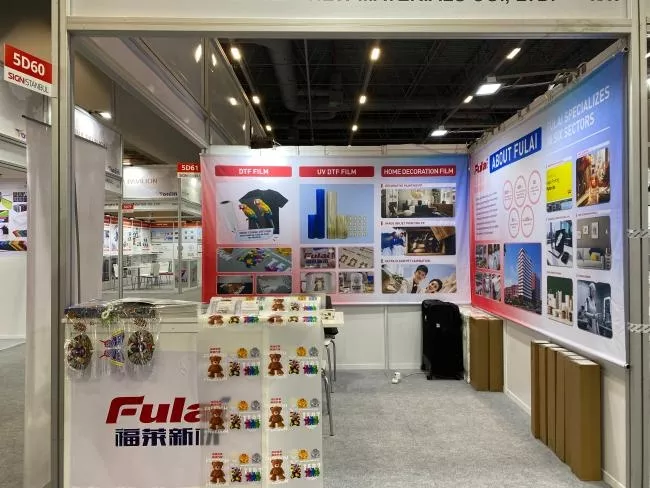
Press Release Oct-26-2026From Istanbul to the World: Saillage Prepares for Global Printing Exhibitions in 2027
Saillage shares its 2027 exhibition plans for Impressions Expo Long Beach, APPP EXPO Shanghai and FESPA Global Print Expo. -
 Blog
Press Release Oct-26-2026
Blog
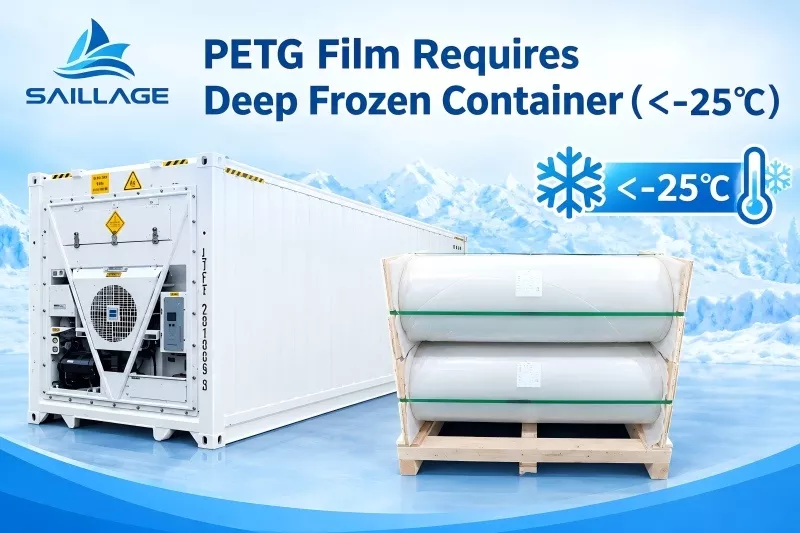
Press Release Oct-26-2026How to Store and Ship PETG Shrink Film Master Rolls: Prevent Premature Shrink and Roll Damage
Learn how to store, package and ship PETG shrink film master rolls to prevent premature shrink, edge damage, crushed cores and transit-related defects.

contact
Tel: +86 17706217416
Add: Building L2A, No. 520, Lane 1588, Zhuguang Road, Hongqiao World Center, Qingpu District, Shanghai, China
follow us: